
The Guide to Choosing Cameras for Your Australian Home
Let's be direct: Subscription fatigue is real.
Many people buy a camera expecting full functionality, only to find out later that monthly fees are required to unlock essential features. That can mean hundreds of dollars a year in ongoing costs.
At Tapo, we do things differently:
- No Mandatory Subscriptions: Person detection, pet detection, and motion zones are all included for free.
- Local Storage: Your recordings stay on a microSD card in your house, not on a server you have to pay to access.
- Made for Australia: Our outdoor cameras are tested to handle summer days and sudden storms.
So, which camera fits your life? We have simplified the lineup into three quick comparison tables below to help you decide.
Part 1: Quick Comparison Tables
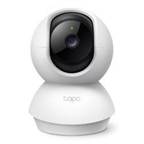
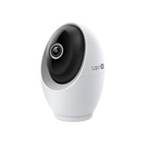
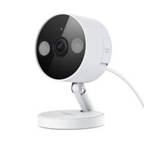
1. Indoor Cameras (Nursery & Pets)
Best for: Keeping an eye on the baby, checking on pets, or general indoor security.
|
Model |
Image |
Resolution |
Key Feature |
Best For |
Tier |
|
|
2K (4MP) |
360° Pan/Tilt Infrared night vision Motion Detection |
The Nursery & General Use |
$59 (Value) |
|
|
|
4K (8MP) |
Human Face Recognition Physical Privacy Shutter Starlight (Colour) |
Privacy-Conscious Homes |
$$129(Premium) |
|
|
|
2K (4MP) |
Magnetic Base Starlight (Colour) IP66 Outdoor |
Flexible Spots (Metal Frames) |
$79 (Value) |
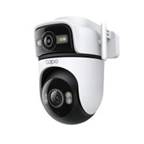
2. Outdoor Wired Cameras (Front Door & Driveway)
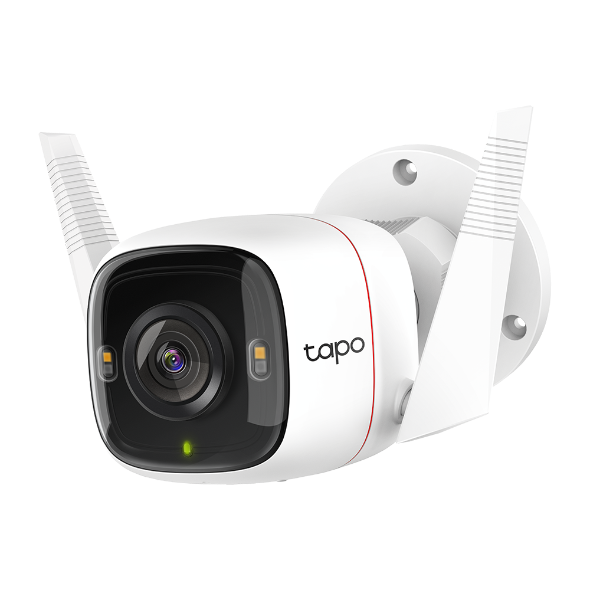
Best for: 24/7 recording, catching porch pirates, and monitoring driveways.
|
Model |
Image |
Resolution |
Key Feature |
Best For |
Tier |
|
|
2K (4MP) |
Person & Vehicle Detection Starlight
|
Front Doors (Best Value) |
$95 (Value) |
|
|
|
2K(3MP) |
Dual-Lens Zoom AI Smart Tracking Full-colour |
Large Properties |
$$179(Mid) |
|
|
|
4K (8MP) |
360° Pan/Tilt + Wi-Fi 6 Starlight |
Wide Driveways |
$$$199 (Pro) |
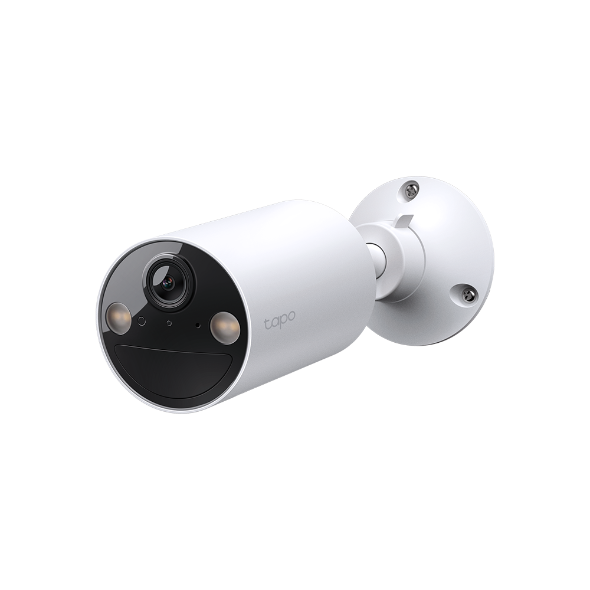
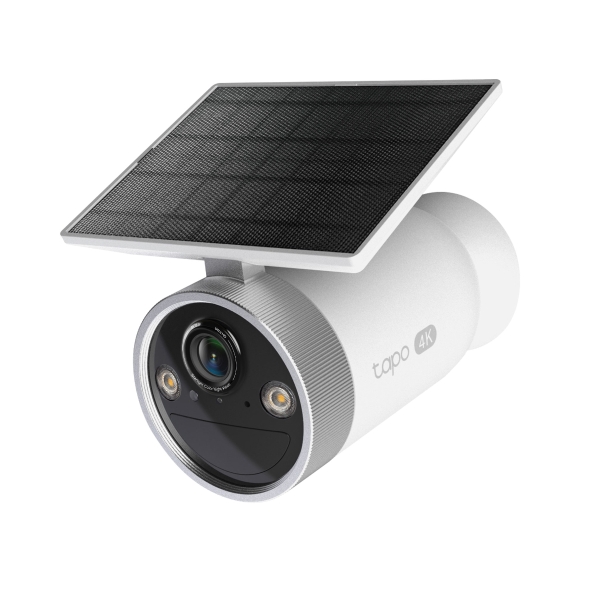
3. Wireless & Solar (Backyards & Rentals)
Best for: Places where you can't run cables, rental properties, or hard-to-reach spots.
|
Model |
Image |
Resolution |
Battery Life* |
Key Feature |
Best For |
Tier |
|
|
2K (3MP) |
~180 Days |
Wire-Free |
Side Gates / Low Traffic |
$119(Entry) |
|
|
|
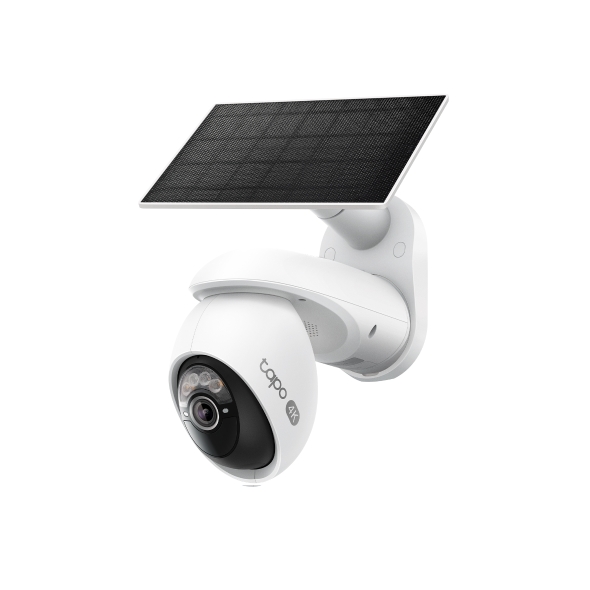
4K (8MP) |
Unlimited (Solar) |
Integrated Solar Panel |
Sunny Backyards |
$$279 (Mid) |
|
|
|
4K (8MP) |
Unlimited (Solar) |
360° Pan/Tilt
|
24/7 continuous capture, 360° coverage
|
$$$299(Flagship) |
*Battery life depends on settings and traffic. High-traffic areas will consume batteries faster.
Part 2: Which Setup Fits Your Home?
Not sure how to mix and match? Based on thousands of Australian homes we've secured, here are the most common setups.
Scenario A: The "New Parents" Essentials
For when you need peace of mind but want to keep it simple.
- The Problem: You want to hear if the baby cries and check if they are sleeping without opening the door.
The Fix:
- 1x Tapo C210: Mount it near the cot. It features Baby Crying Detection with Advanced night vision so it won't disturb the baby's sleep and crisp night vision.
- 1x Tapo C260 (Optional): Use this in the living room. When you want family privacy, flip the physical privacy shutter close.
Why this works: It's affordable and specifically designed for sensitive indoor environments.

Scenario B: The "Renter Friendly" Pack
For when you want security but strictly cannot drill holes or run cables.
- The Problem: You are renting and need to protect your car and entryways, but you need to take the cameras with you when you move.
The Fix:
- 1x Tapo C410 (Front): Since it's battery-powered, you don't need an electrician for the install. Pair it with the Tapo solar panel so you'll never have to worry about power.
- 1x Tapo C465 (Backyard): The built-in solar panel means you can mount it high up on a fence or wall and never worry about charging it.
Why this works: 100% wire-free means zero damage to the property and easy removal.
Scenario C: The "Complete Perimeter" Defense
For homeowners who want to cover every angle, day and night.
- The Problem: You have a driveway and a dark backyard. You want to see number plates and faces clearly.
The Fix:
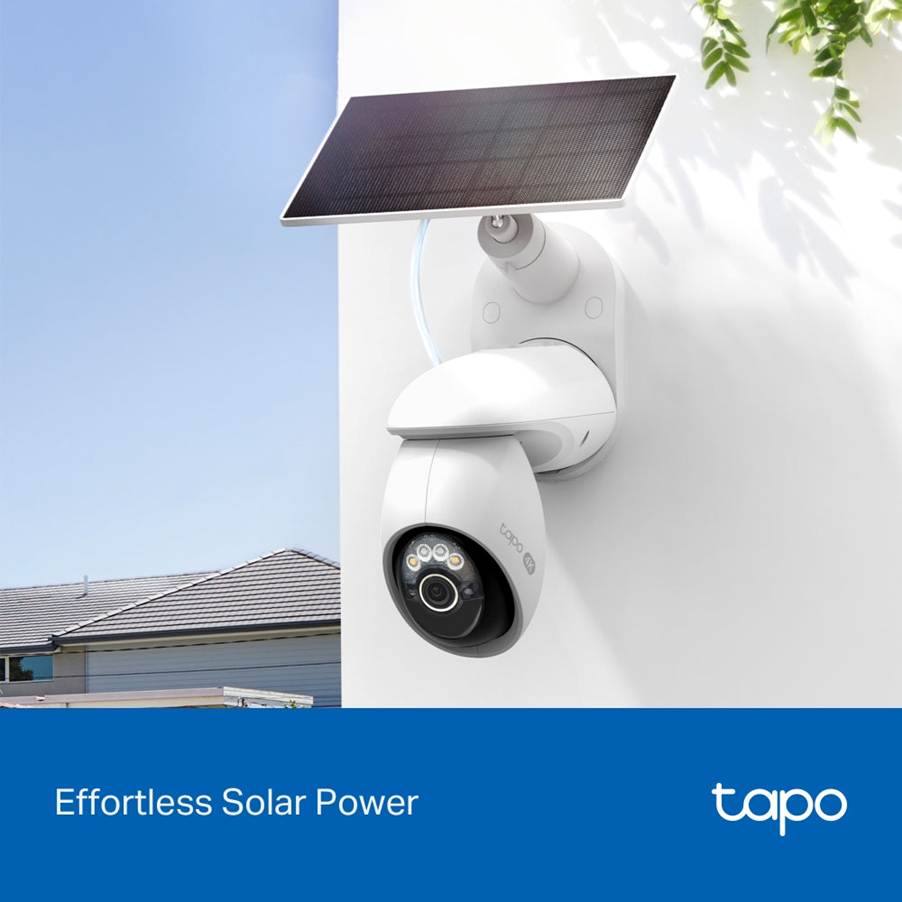
- Backyard: Tapo C660 KIT, 4K clarity, 360° tracking, and solar-powered for zero-maintenance security under the Aussie sun.
- Driveway: Tapo C560WS. The 4K resolution and pan-tilt tracking ensure you capture vehicles entering and leaving.

Part 3: Tech Decoded (What Actually Matters?)
- 2K vs 4K Resolution:
2K (3MP/4MP): The "sweet spot." Sharp enough to recognize faces from 5-6 meters away. Perfect for front doors.
4K (8MP): Best for driveways or large yards where you might need to zoom in digitally to read a number plate or identify someone at the back fence.
- Local Storage (MicroSD):
Our cameras support MicroSD cards up to 512GB, giving you massive storage potential. Even a standard 128GB card (approx. $30–40) allows for extensive local recording, keeping your footage private, secure, and entirely in your hands.
- Connectivity:
Tapo cameras use 2.4GHz Wi-Fi. Don't worry if your router says "5GHz"—it almost certainly supports 2.4GHz too. This frequency is better at punching through brick walls, which is essential for Aussie homes.
Part 4: How to Start
You don't need to buy a 10-camera system on day one.
- Start Small: Try one camera first. The Tapo C210 (Indoor) or Tapo C520WS (Outdoor) are the best value entry points.
- Test the Wi-Fi: Before you drill any holes, check your phone's Wi-Fi signal at the mounting spot. If your phone works there, the camera will too.If the signal is weak, consider adding a TP-Link Deco Mesh system for larger Wi-Fi coverage to ensure a stable connection.
- Expand Later: Add a solar camera for the backyard next month. They all feed into the same easy-to-use Tapo App.
Ready to secure your home without the monthly fees?