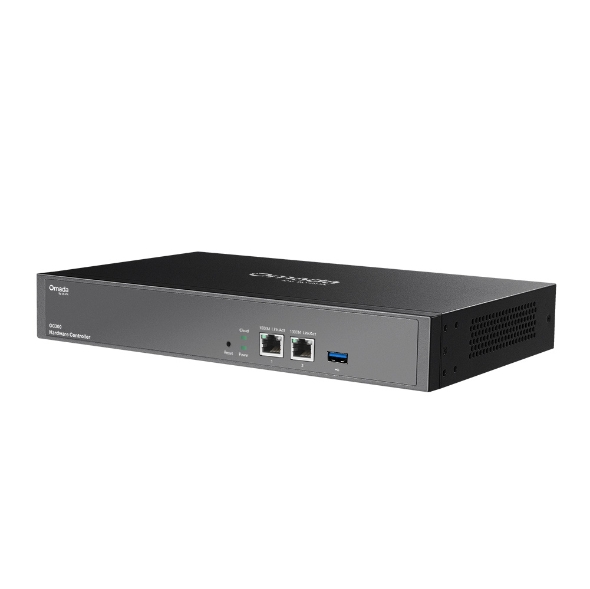
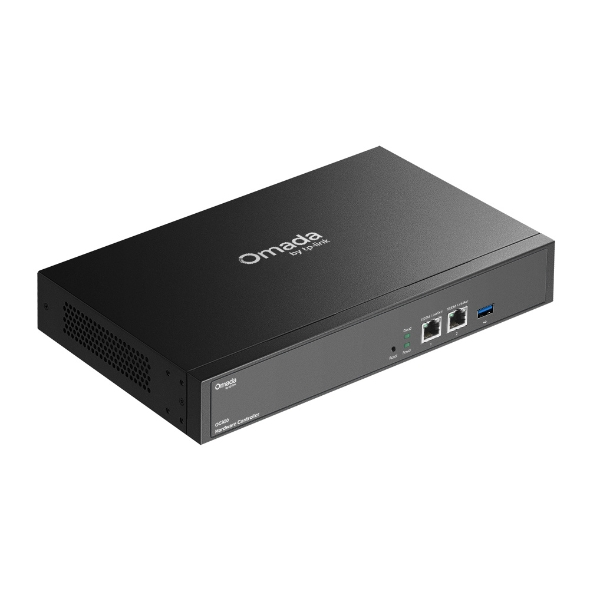
Omada Hardware Controller

  • Centralized Cloud Management: Supports up to 500 Omada access points, 100 Omada routers, a maximum of 100 Omada switches, and a maximum of 5 certain DeltaStream GPON OLTs
  • Free Cloud Access: Manage and monitor with the Omada app or Web UI from anywhere, anytime.
  • On-Premises Management: Locally monitor and manage devices with the ultimate security and stability.
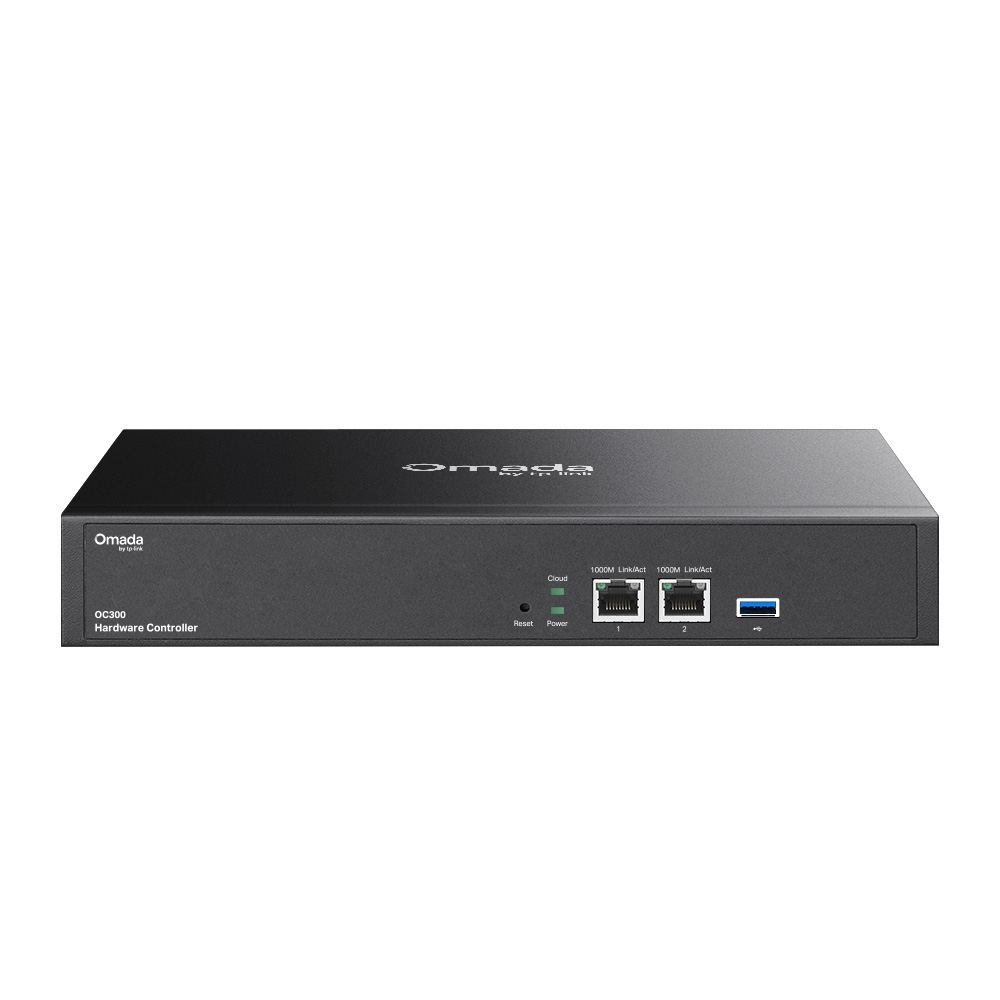
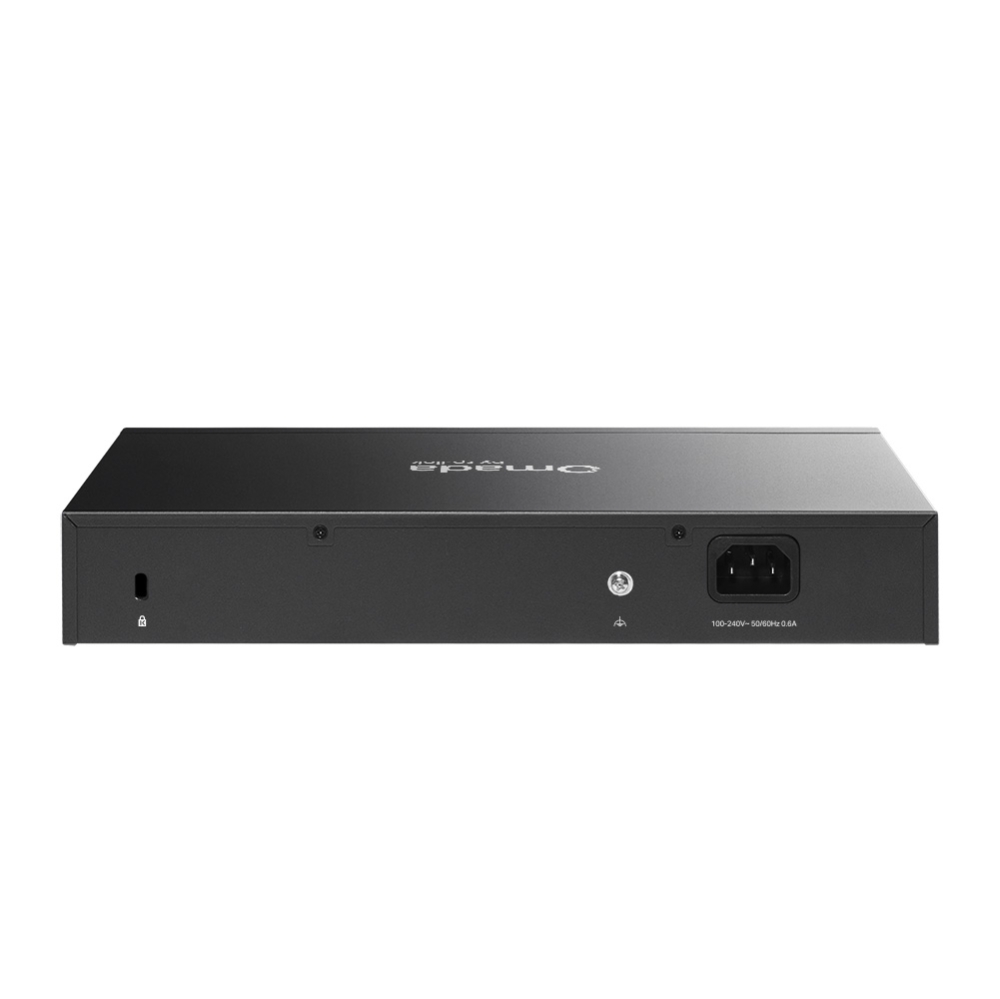
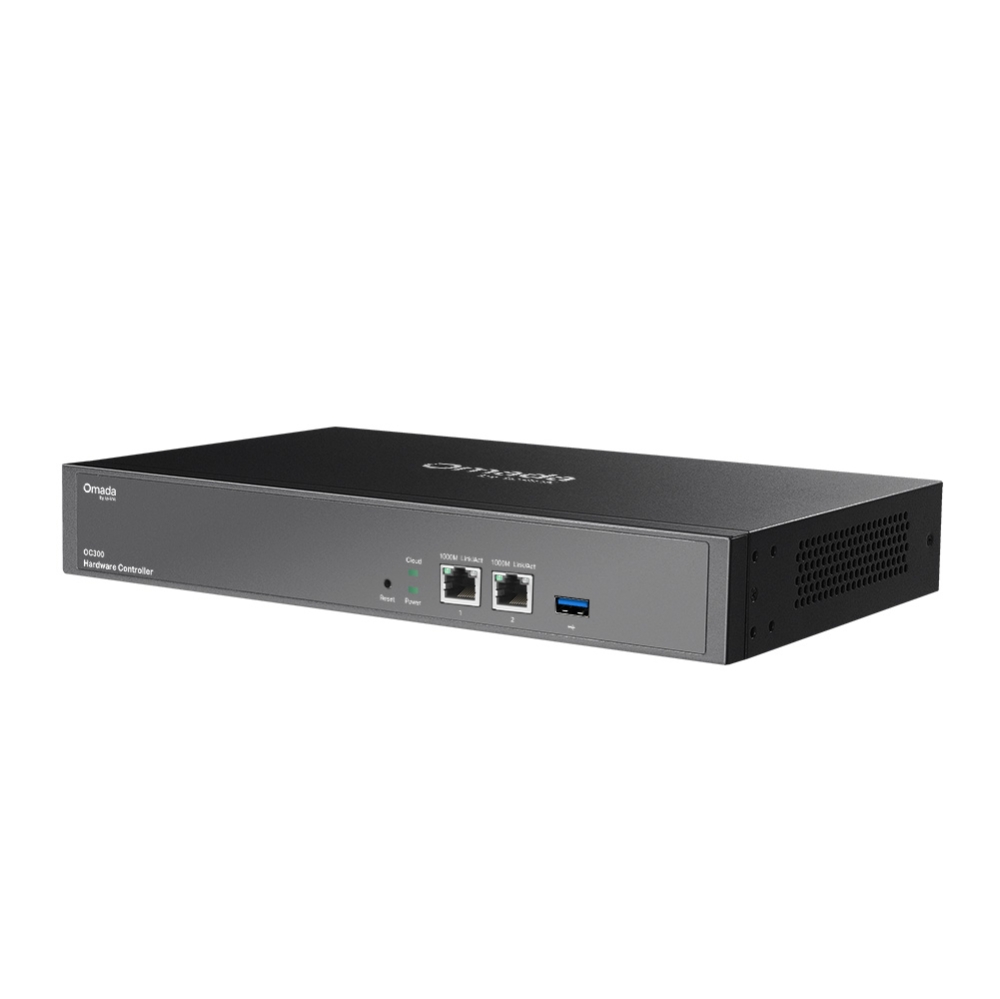
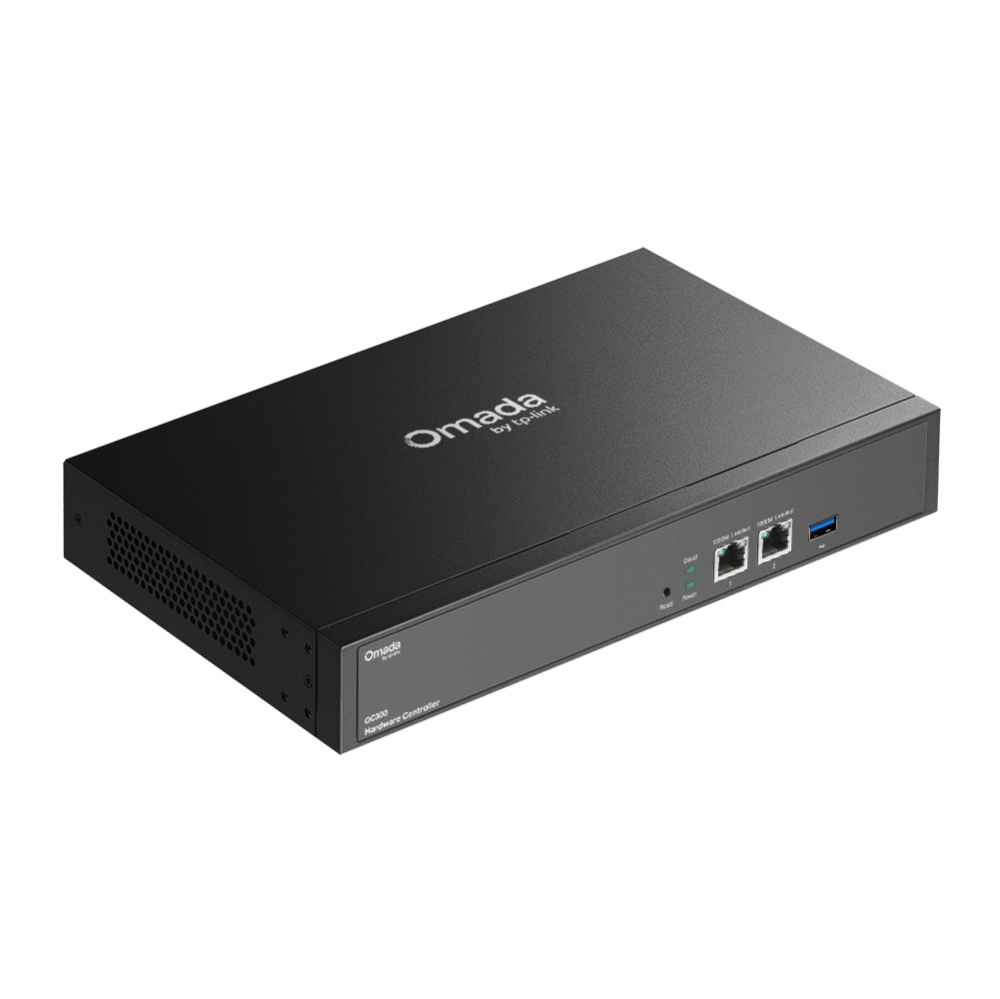
  • Industry-Leading Hardware Design: A powerful chipset, durable metal casing, USB 3.0 port for auto backup, and two Gigabit ports.
  • Easy and Intelligent Network Monitoring: The easy-to-use dashboard makes it simple to see the real-time network status and traffic distribution.
  • Real-Time Network Topology: Helps IT admins quickly see and troubleshoot connections at a glance.
  • Easier Network Maintenance: Wi-Fi heatmap simulator, visualizable network report, and batch & multi-site management benefit network maintenance.

Learn more about Omada Cloud SDN>​

Discover all the Managed Devices>​

Omada Professional Network
Hardware Controller
that
Works Without a Running
PC/Server

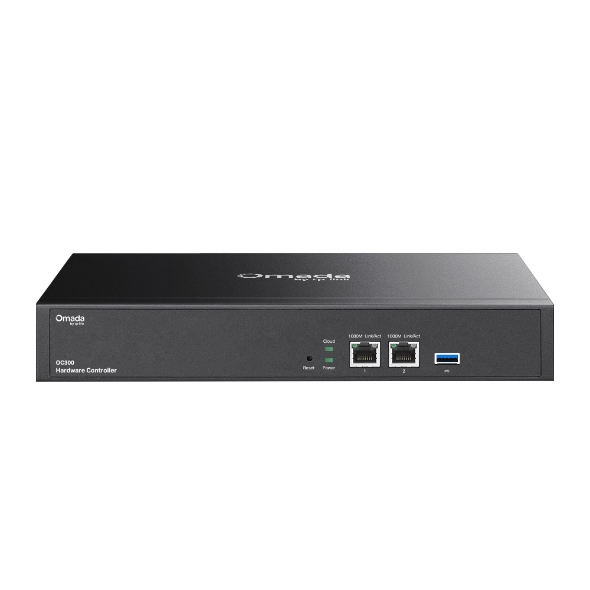
OC300

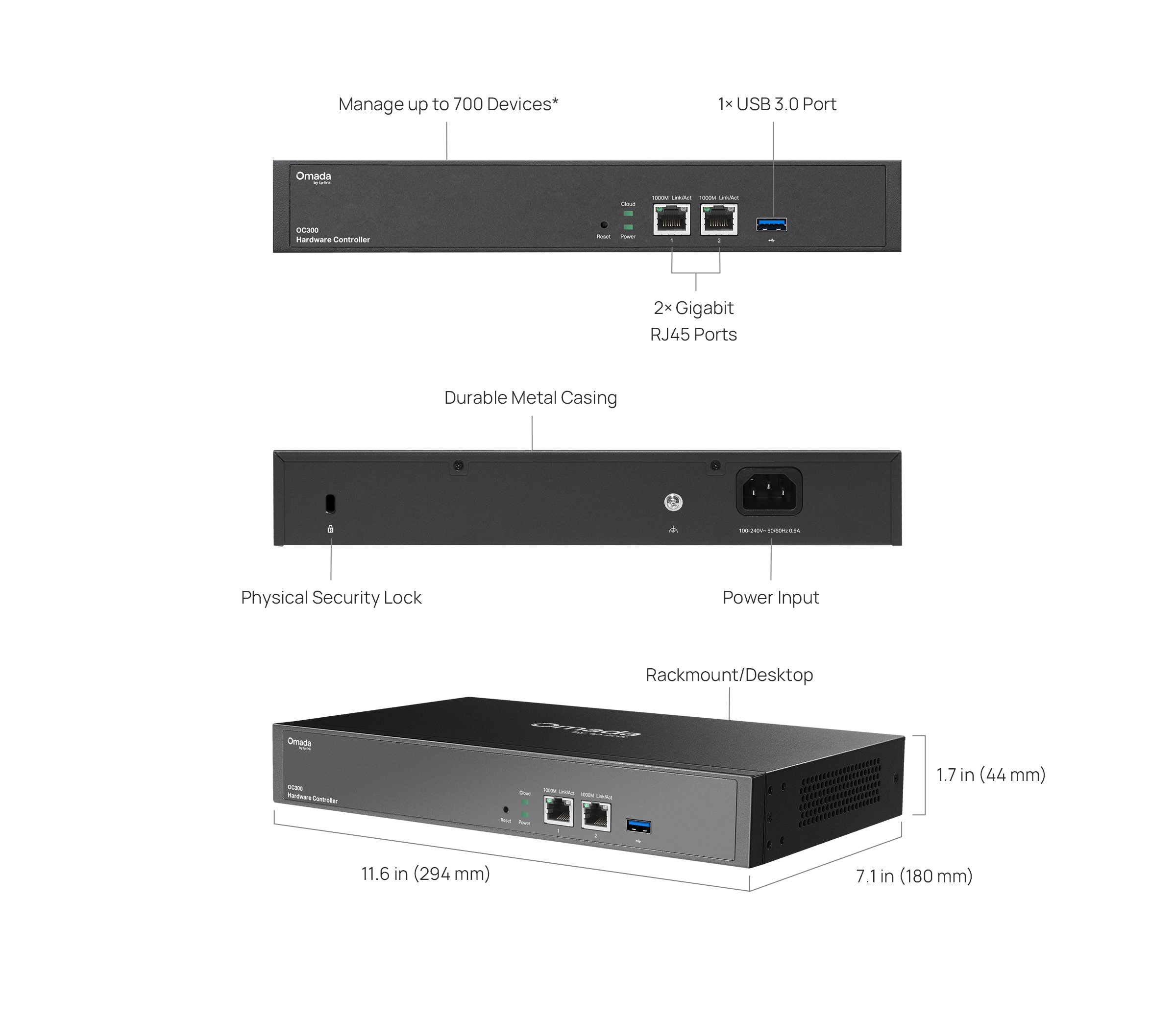
  • Manage up to 700 Devices*

  • No Need for a Running PC/Server

  • Optional Cloud with No License Fees

  • Manage via Omada App

  • 2× Gigabit RJ45 Ports

  • 1× USB 3.0 Ports for Auto Backup

  • Fanless for Silent Operation

  • Durable Metal Casing

Hybrid Cloud Management for Maximum
Convenience

Supports remotely or locally centralized management for up to 500 Omada access points, 100 Omada gateways, a maximum of 100 Omada
switches, and a maximum of 5 certain DeltaStream GPON OLTs.

Free Cloud Access Remotely control the whole network without license fees
On-Premises Management Complete privacy
Internet
Omada
VPN Gateway
Omada
PoE Switch
Cloud Access to Omada Controller
Web Browser
Omada App
 
Omada
Access Points
Omada
Hardware Controller

OC300
PoE

Industry-Leading Hardware Design

Equipped with an advanced design and the latest chipset, the Omada OC300 delivers more than enough processing
power to support massive network management—while its enterprise-grade reliability ensures uninterrupted, 24/7
operation under heavy loads. Rackmount/desktop design benefits easier and flexible installation.

2× Gigabit

RJ45 Ports

1× USB 3.0 Port

Auto-Backup

Fanless Design

For Silent Operation

Durable Metal

Casing


Easy and Intelligent Network Monitoring

Comprehensive Network Insights

Experience instant clarity with the redesigned dashboard — Overview, Topology, Wi-Fi, Client, and Traffic — delivering richer visual insights for faster monitoring and key data tracking to drive better business outcomes.


Smart Topology

A unified topology view displays connected/disconnected devices, VLAN, and more customizable filters to tailor the view and accelerate troubleshooting.


Detailed Client Management

Wireless client auto-recognition simplifies management, and enhanced client data charts offer clearer visibility into network activity and performance.


Smart Traffic Insights

Monitor traffic usage with a real-time timeline and categorized breakdowns by application and client for faster and more actionable network analysis.


Comprehensive Network Insights

Experience instant clarity with the redesigned dashboard — Overview, Topology, Wi-Fi, Client, and Traffic — delivering richer visual insights for faster monitoring and key data tracking to drive better business outcomes.


Smart Topology

A unified topology view displays connected/disconnected devices, VLAN, and more customizable filters to tailor the view and accelerate troubleshooting.


Detailed Client Management

Wireless client auto-recognition simplifies management, and enhanced client data charts offer clearer visibility into network activity and performance.


Smart Traffic Insights

Monitor traffic usage with a real-time timeline and categorized breakdowns by application and client for faster and more actionable network analysis.


Professional Features for Easy Setup and
High-Efficiency Network Maintenance

Easy Remote Setup with Zero-Touch Provisioning (ZTP)

Just scan the device key to quickly add devices. Pre-configure networks remotely, eliminating the need for on-site IT experts and reducing labor.


Instant Setup with Site & Device Templates

Create a site and device template, then bind it to sites. Site configurations automatically synchronize with the template, avoiding repetitive setup.

Copy

Paste

Sites A

Sites B

SD-WAN for Multi-Site Connectivity

Connect branch offices to headquarters in a few clicks — no complex VPN setup required. Centralized management delivers reliable multi‑site connectivity and seamless scalability as networks grow.

*SD‑WAN requires the use of gateways that support it.

Main Site

Sub Sites

SD-WAN

Integrated Troubleshooting Tools

SSH, packet capture, network diagnostics, and more for efficient debugging.


Easy Remote Setup with Zero-Touch Provisioning (ZTP)

Just scan the device key to quickly add devices. Pre-configure networks remotely, eliminating the need for on-site IT experts and reducing labor.


Instant Setup with Site & Device Templates

Create a site and device template, then bind it to sites. Site configurations automatically synchronize with the template, avoiding repetitive setup.

Copy

Paste

Sites A

Sites B

SD-WAN for Multi-Site Connectivity

Connect branch offices to headquarters in a few clicks — no complex VPN setup required. Centralized management delivers reliable multi‑site connectivity and seamless scalability as networks grow.

*SD‑WAN requires the use of gateways that support it.

Main Site

Sub Sites

SD-WAN

Integrated Troubleshooting Tools

SSH, packet capture, network diagnostics, and more for efficient debugging.


Greater Convenience
with the Omada App

Remotely access and configure your whole network with a tap of your phone from anywhere in the world.

HARDWARE FEATURES
Interface • 2× 10/100/1000 Mbps Ethernet Ports
• 1× USB 3.0 Port
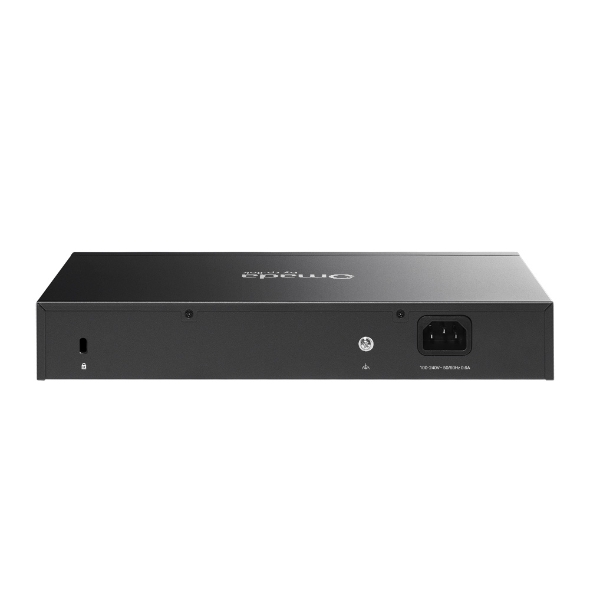
Power Supply 100–240 V~50/60 Hz, 0.6 A
Dimensions ( W x D x H ) 11.6 × 7.1 × 1.7 in (294 × 180 × 44 mm)
Management Features
Omada App Yes
Centralized Management • 500 Omada access points
• 100 Omada gateways
• A maximum of 100 Omada switches
• A maximum of 5 certain DeltaStream GPON OLTs

Note: Please refer to www.tp-link.com/en/business-networking/all-omada/ to find all the Omada device models supported by OC300
The number of supported Omada switches decreases by 5 for each DeltaStream GPON OLT added. Refer to https://www.omadanetworks.com/omada-sdn/product-list/#sp-gpon to find all the DeltaStream GPON OLTs that are supported by the controller.
Cloud Access Yes
L3 Management Yes
Multi-site Management Yes
Management Features • Automatic Device Discovery
• Batch Configuration
• Batch Firmware Upgrading
• Intelligent Network Monitoring
• Abnormal Event Warnings
• Unified Configuration
• Reboot Schedule
• Captive Portal Configuration
OTHERS
Certification CE, FCC, RoHS
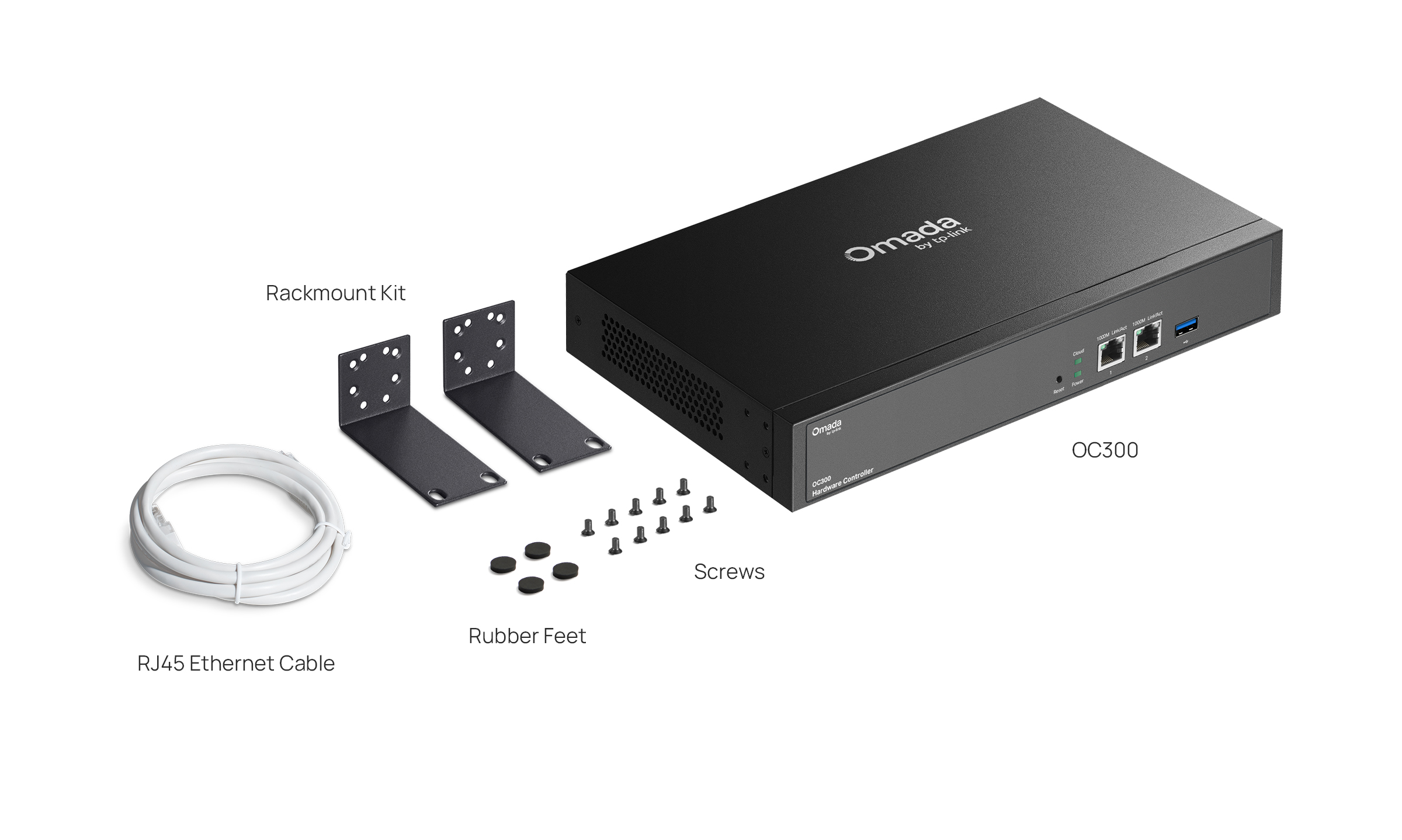
Package Content • Omada Hardware Controller OC300
• Quick Installation Guide
• Ethernet Cable
• Power Cord
• Rackmount Kit
System Requirements Microsoft® Windows®10, 8, 7,Vista™, XP or MAC® OS, NetWare®, UNIX® or Linux
Environment • Operating Temperature: 0–50 ℃ (32–122 ℉)
• Storage Temperature: -40–70 ℃ (-40–158 ℉)
• Operating Humidity: 10–90% RH non-condensing
• Storage Humidity: 5–90% RH non-condensing

*Actual management scale of the Omada Software Controller depends on the PC/server's hardware specifications.

**Please go to https://www.tp-link.com/en/omada-cloud-based-controller/product-list/ to confirm which models are compatible with Omada Cloud-Based Controller.

The number of supported Omada switches decreases by 5 for each DeltaStream GPON OLT added. Refer to https://www.omadanetworks.com/omada-sdn/product-list/#sp-gpon to find all the DeltaStream GPON OLTs that are supported by the controller.

The Wi-Fi Tab is only available on the Omada Cloud-Based Controller. Support for the On-Premises Controller is planned for Q1 2026.