



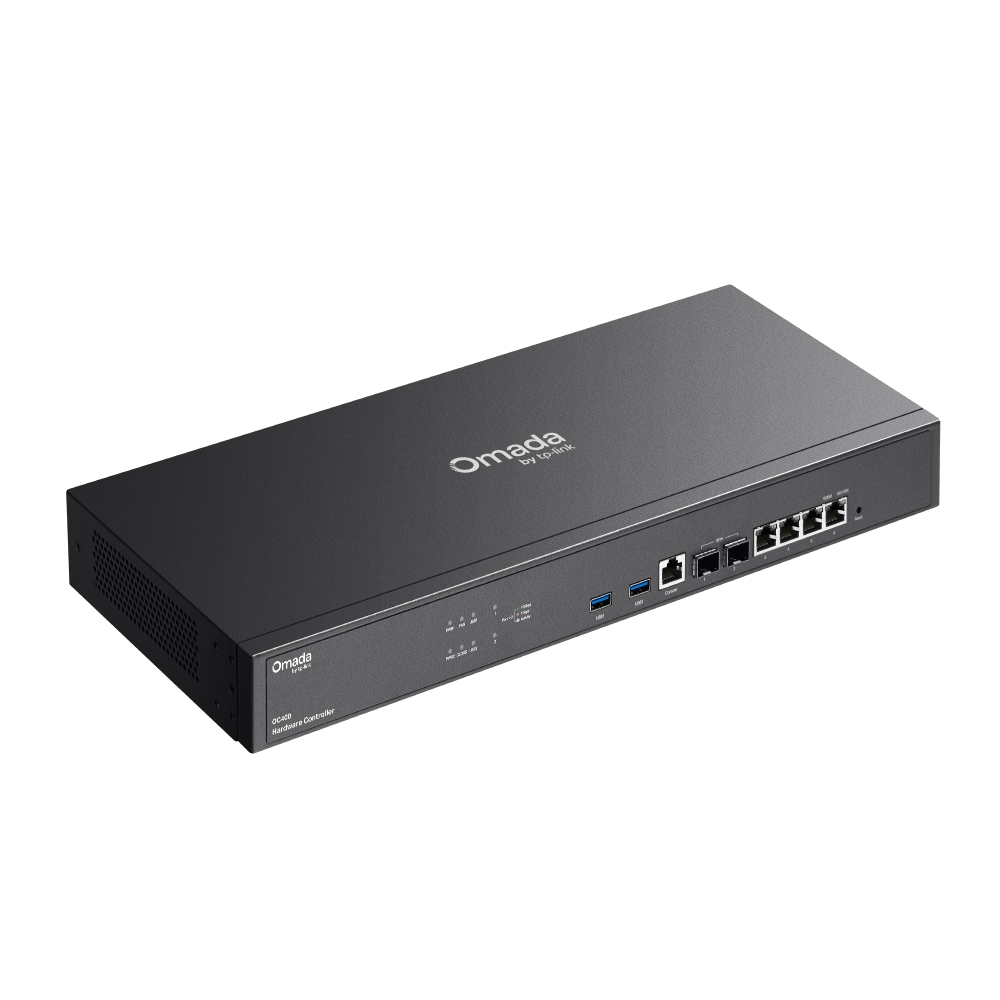
Omada Hardware Controller
- Centralized Cloud Management: up to 1,000 Omada access points, 100 Omada routers, a maximum of 200 Omada switches, and a maximum of 10 certain DeltaStream GPON OLTs*
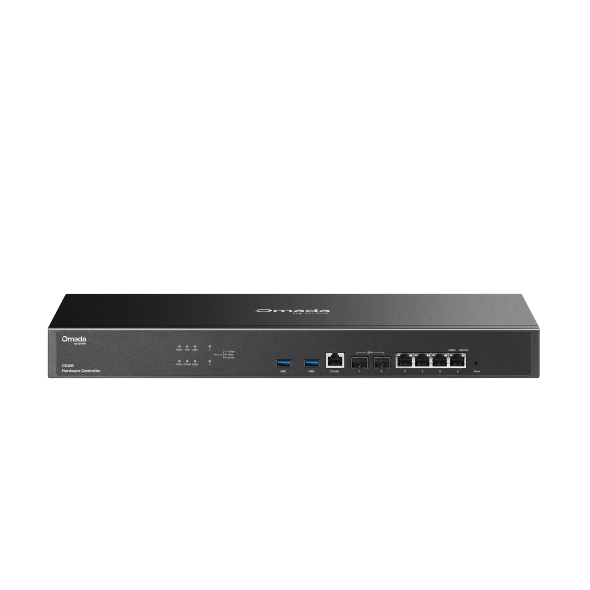
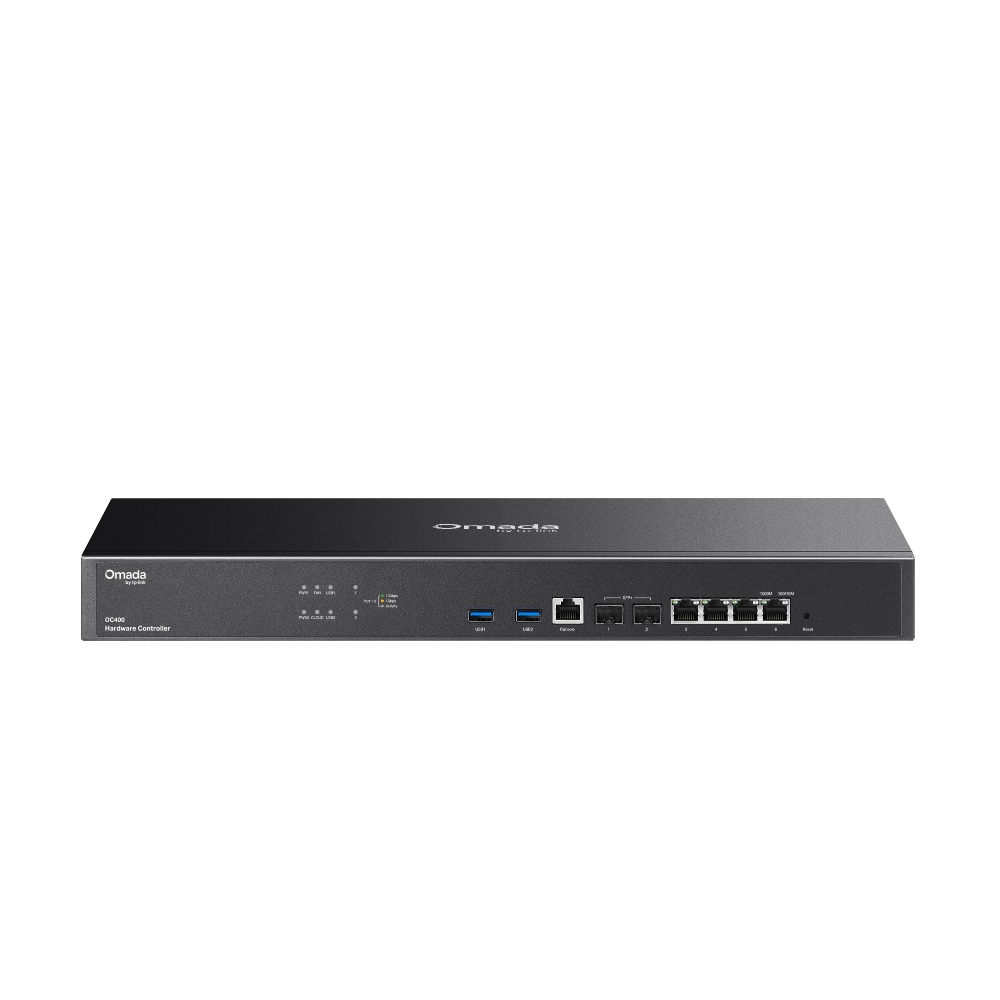
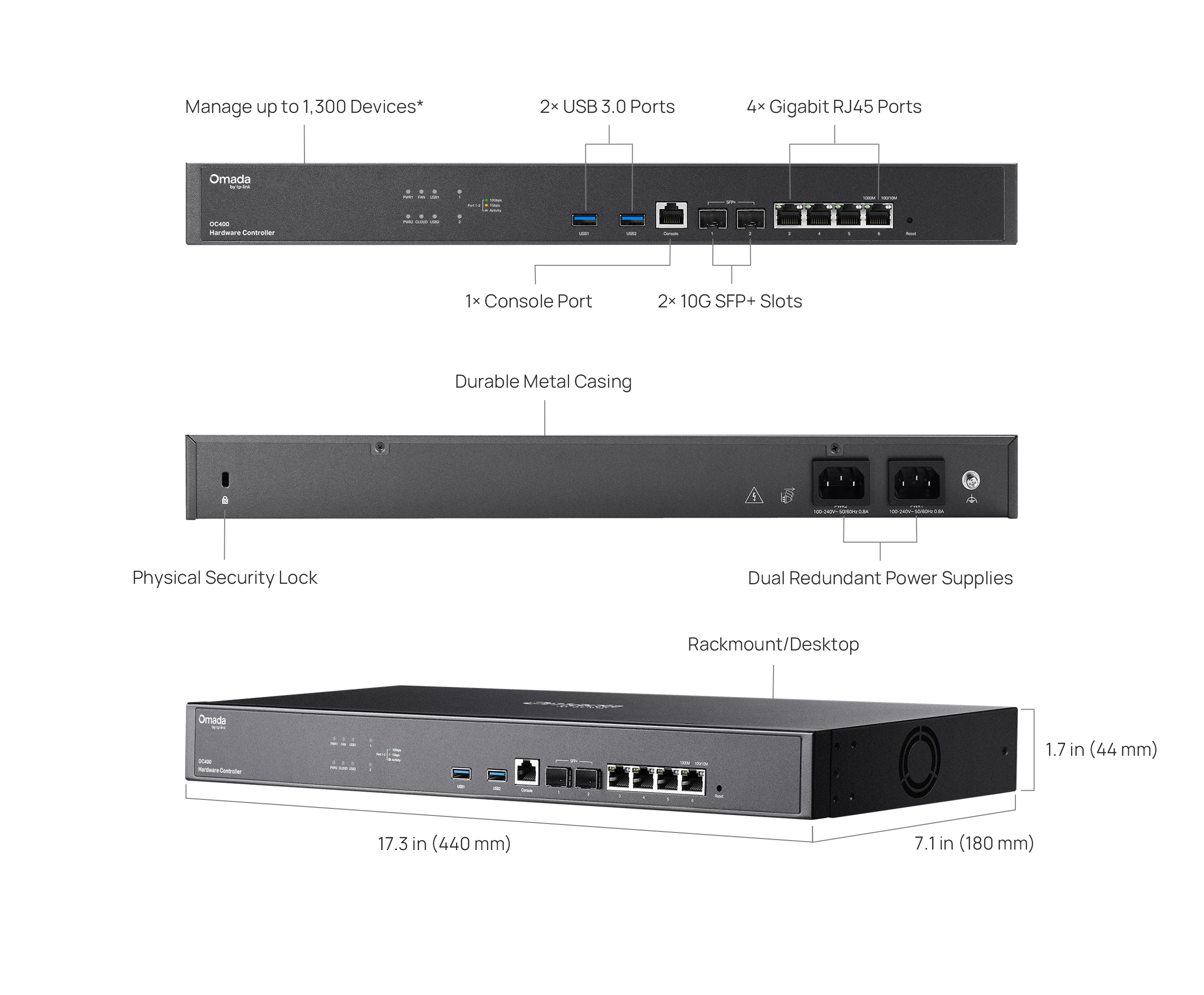
- 2× 10G SFP+ Slots, 4× Gigabit RJ45 Ports, and 2× USB 3.0 Ports.
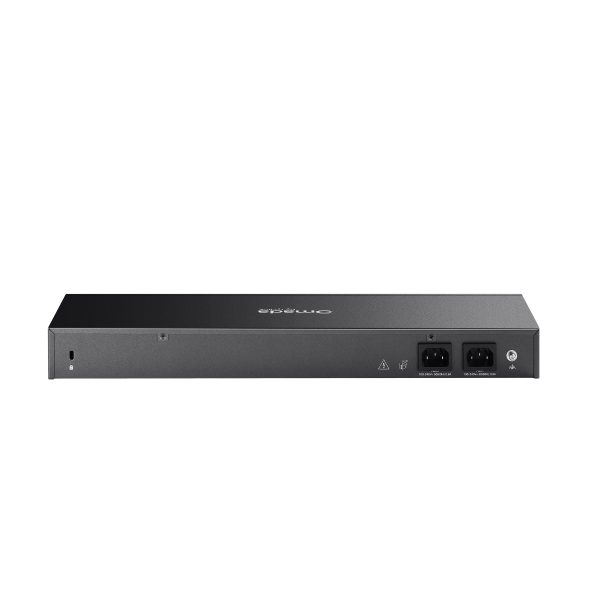
- Redundant power supplies offer a reliable networking architecture.
- Free cloud access with the Omada app or Web UI from anywhere, anytime.
- On-premises manages to locally monitor and manage devices.
- The easy-to-use dashboard and real-time network topology make network monitoring easy.
- Batch and multi-site management benefit network maintenance.
-
Manage up to 1,300 Devices*
-
No Need for
a Running PC/Server -
Optional Cloud with
No License Fees -
Manage via Omada App
-
2× 10G SFP+ Slots,
4× Gigabit RJ45 Ports -
2× USB 3.0 Ports for Backup
-
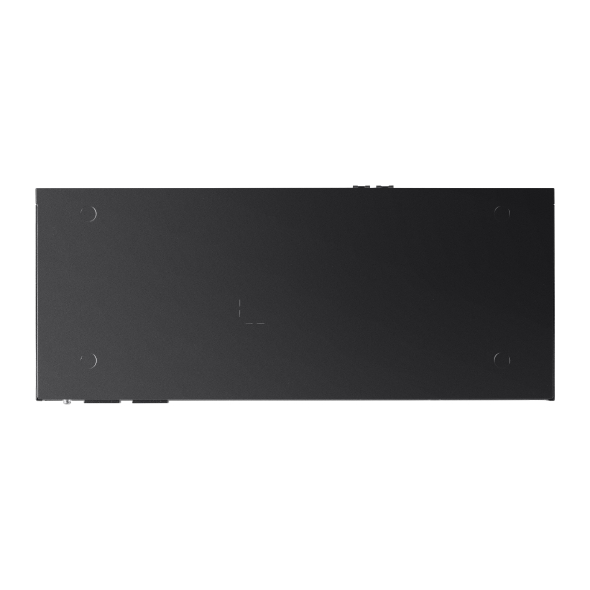
Fanless for Silent Operation
-
Dual-Fixed Redudant
Power
Supplies


Hybrid Cloud Management for Maximum
Convenience
Remotely or locally manage up to 1,000 Omada access points, 100 Omada gateways, a maximum of 200 Omada switches, and a maximum of
10 certain DeltaStream GPON OLTs via the Omada App or Web UI*.
VPN Gateway
PoE Switch
Access Points
Hardware Controller
OC400
Industry-Leading Hardware Design
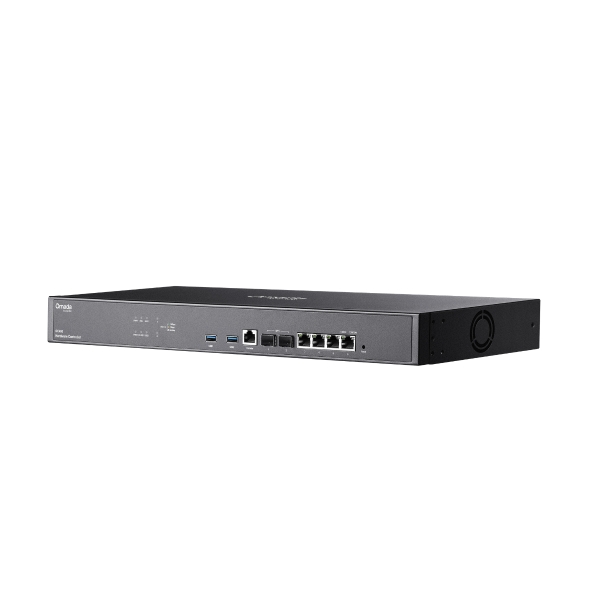
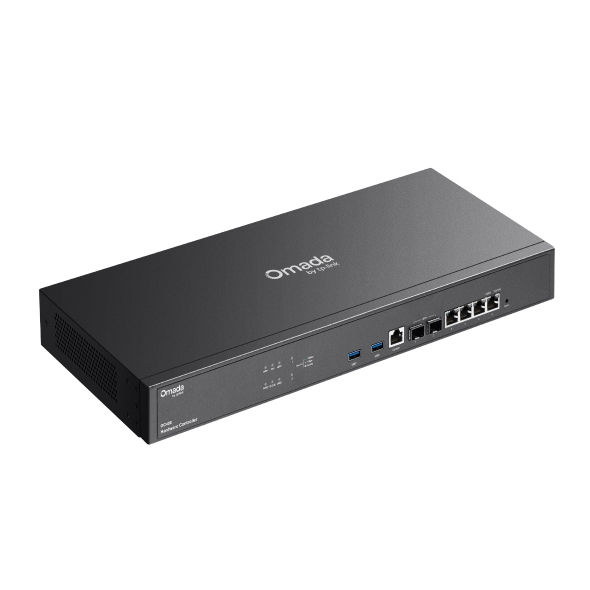
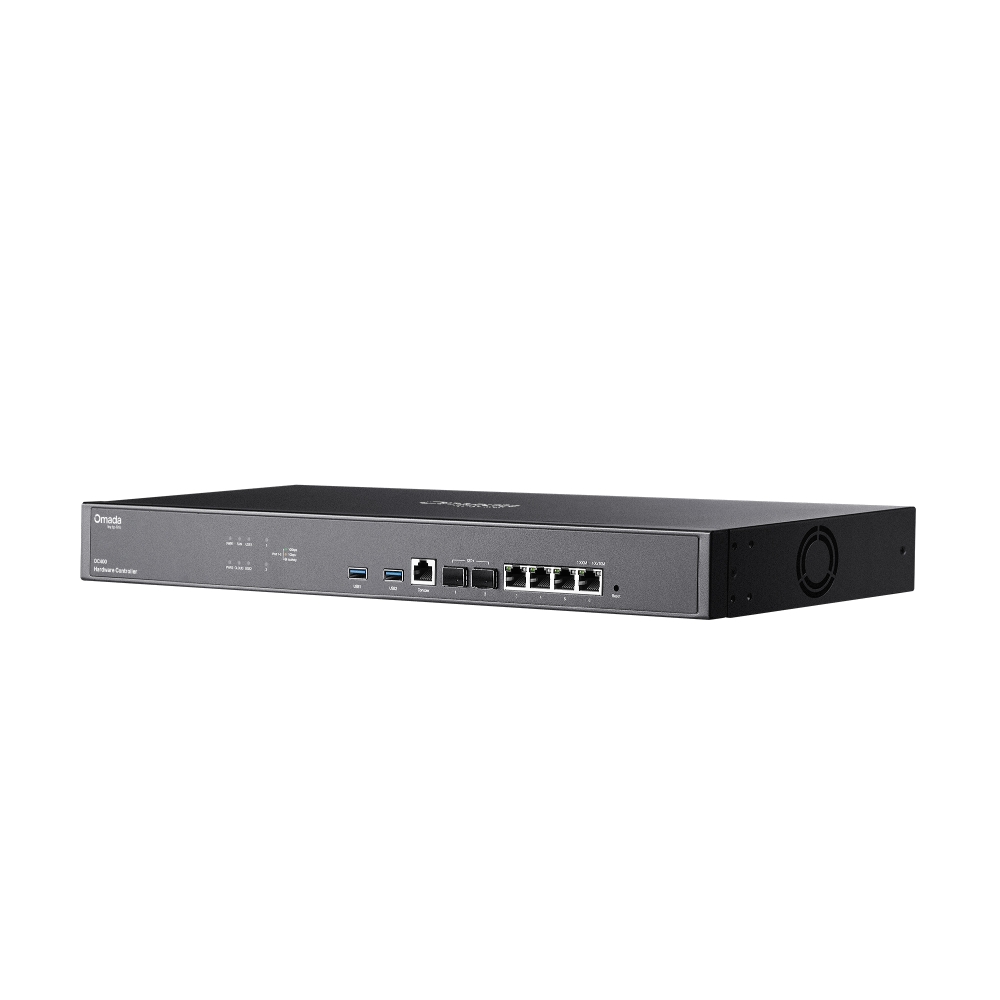
Equipped with an advanced design and the latest chipset, OC400 has enough processing power to support the massive
management of your business network. Rackmount/desktop design benefits easier and flexible installation.
4× Gigabit
RJ45 Ports
2× USB 3.0 Ports
For Auto-Backup
2× 10G
SFP+ Slots
1× Console
Port
Greater Convenience
with the Omada App
Remotely access and configure your whole network with a tap of your phone from anywhere in the world.








| HARDWARE FEATURES | |
|---|---|
| Processor | Quad-Core A72 @ 2.2 GHz |
| Memory | 8 GB DDR4 |
| Interface | • 2× 10G SFP+ Ports• 4× Gigabit RJ45 Ports• 2× USB 3.0 Ports• 1× Gigabit Console Port |
| Power Supply | 100-240 V ~ 50/60 Hz AC |
| Storage | 4 MB Nor Flash; 32 GB eMMC |
| Net Weight | 2.09 Kg |
| Dimensions ( W x D x H ) | 17.3 × 7.1 × 1.7 in (440 × 180 × 44 mm) |
| Management Features | |
|---|---|
| Omada App | Yes |
| Centralized Management | • 1,000 Omada access points• 100 Omada gateways• A maximum of 200 Omada switches†• A maximum of 10 certain DeltaStream GPON OLTs†Note: The DeltaStream GPON OLTs supported by the controller are DS-P7001-04 and DS-P7001-08. Please refer to www.tp-link.com/en/business-networking/all-omada/ to find all the Omada device models supported by OC400 |
| Cloud Access | Yes |
| Multi-site Management | Yes |
| Management Features | • Multi-tenant Management (Role/Site/Device Privileges)• Migration (Site Migration/Controller Migration)• Account Management• Backup & Restore• Auto Backup• Customized UI Interface• Automatic Device Discovery • Batch Configuration• Online upgrade• Reboot Schedule• PoE Schedule• WLAN Schedule• Batch Firmware Upgrading • DDNS• SNMP• SSH |
| Redundant Power Supply | |
|---|---|
| Redundant Power Supply | 2× Internal Fixed Power Supplies |
| MONITORING | |
|---|---|
| Monitoring | • DPI• IPS/IDS• Dashboard (Custom Dashboard)• Statistics (Performance/Switch Stats)• Network topology • Network Map • Devices List (Custom Table)• Clients List (Custom Table)• Insights (Known Clients/Past Connections/Past Portal Authorizations/Rogue APs)• Logs (Alerts/Events/Custom Notifications) |
| OTHERS | |
|---|---|
| Certification | CE, FCC, RoHS |
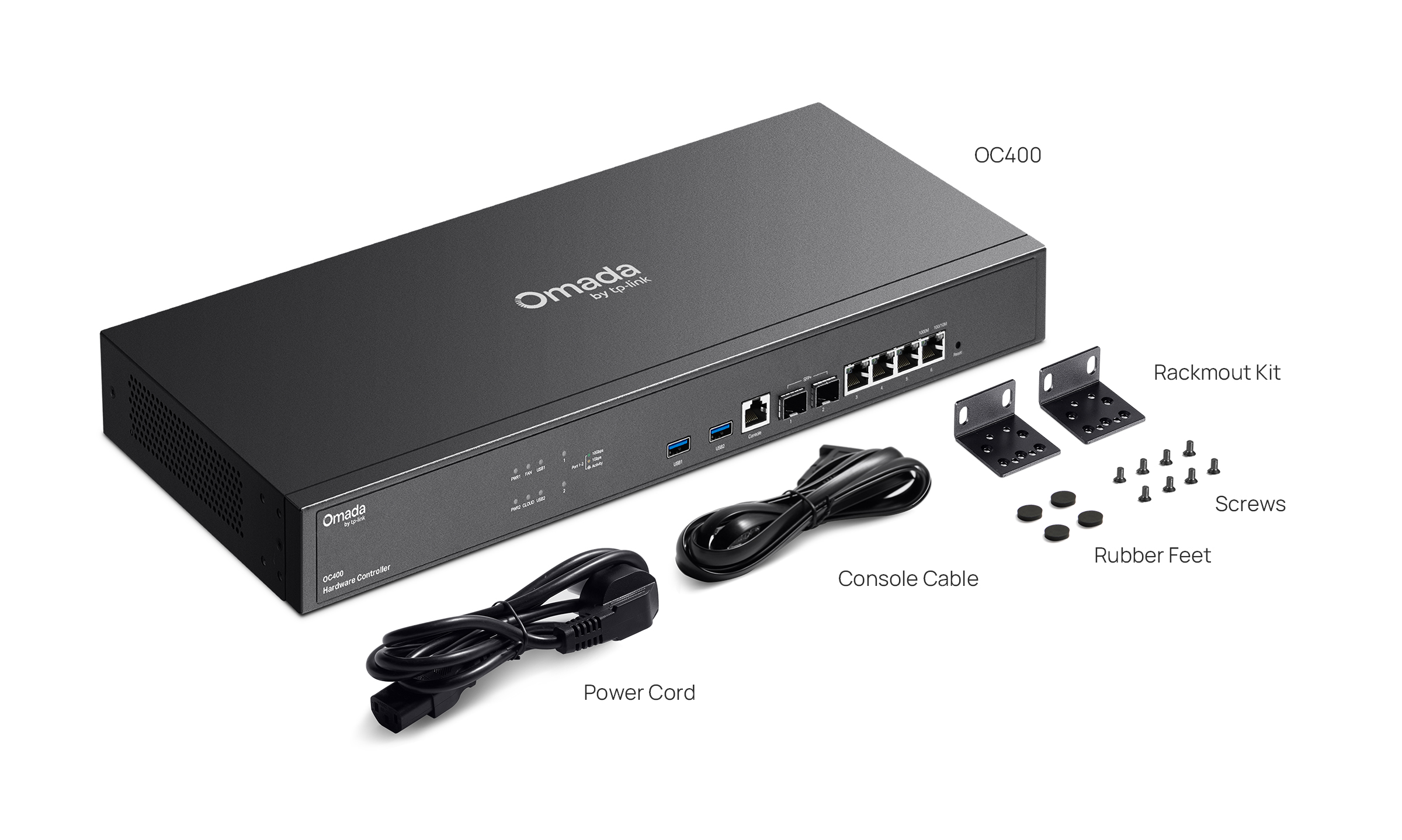
| Package Content | • Omada Hardware Controller OC400• Quick Installation Guide • Ethernet Cable• Power Cord• Rackmount Kit |
| System Requirements | Microsoft® Windows®10, 8, 7,Vista™, XP or MAC® OS, NetWare®, UNIX® or Linux |
| Environment | • Operating Temperature: 0–40 ℃ (32–104 ℉)• Storage Temperature: -40–70 ℃ (-40–158 ℉)• Operating Humidity: 10–90% RH non-condensing• Storage Humidity: 5–90% RH non-condensing |
Attention: It is recommended to use up to two SM5310-T (TL-SM5310-T) modules for the OC400.
*The stated management capacity is based on laboratory testing. The stated management capacity is based on laboratory testing. Actual management capacity and performance may vary depending on deployment and network conditions.