


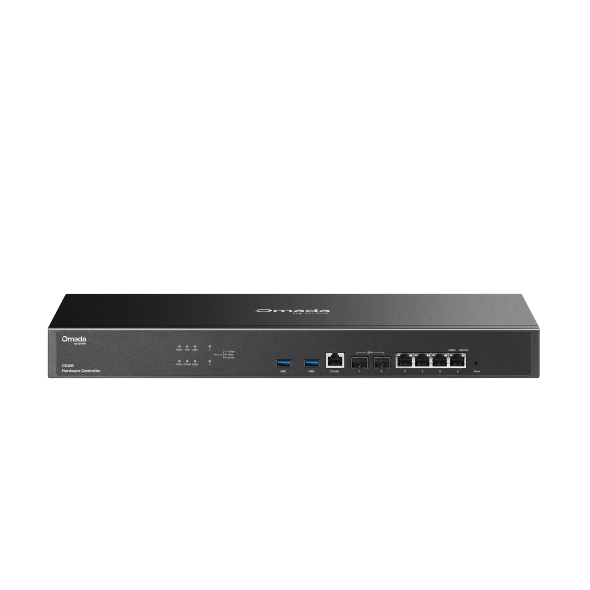
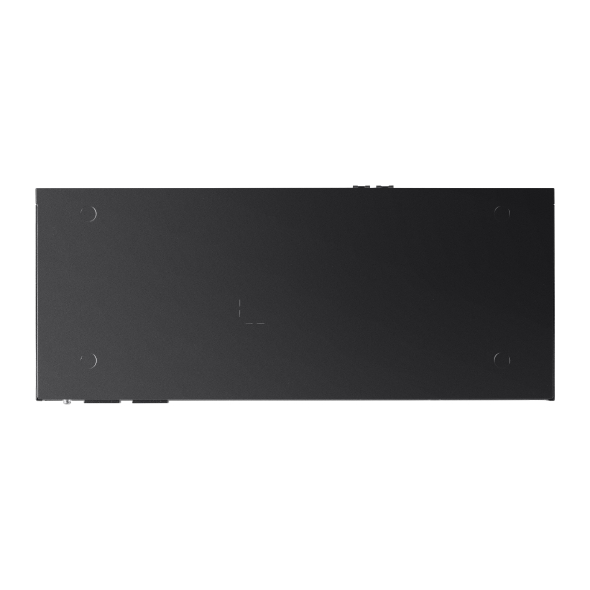

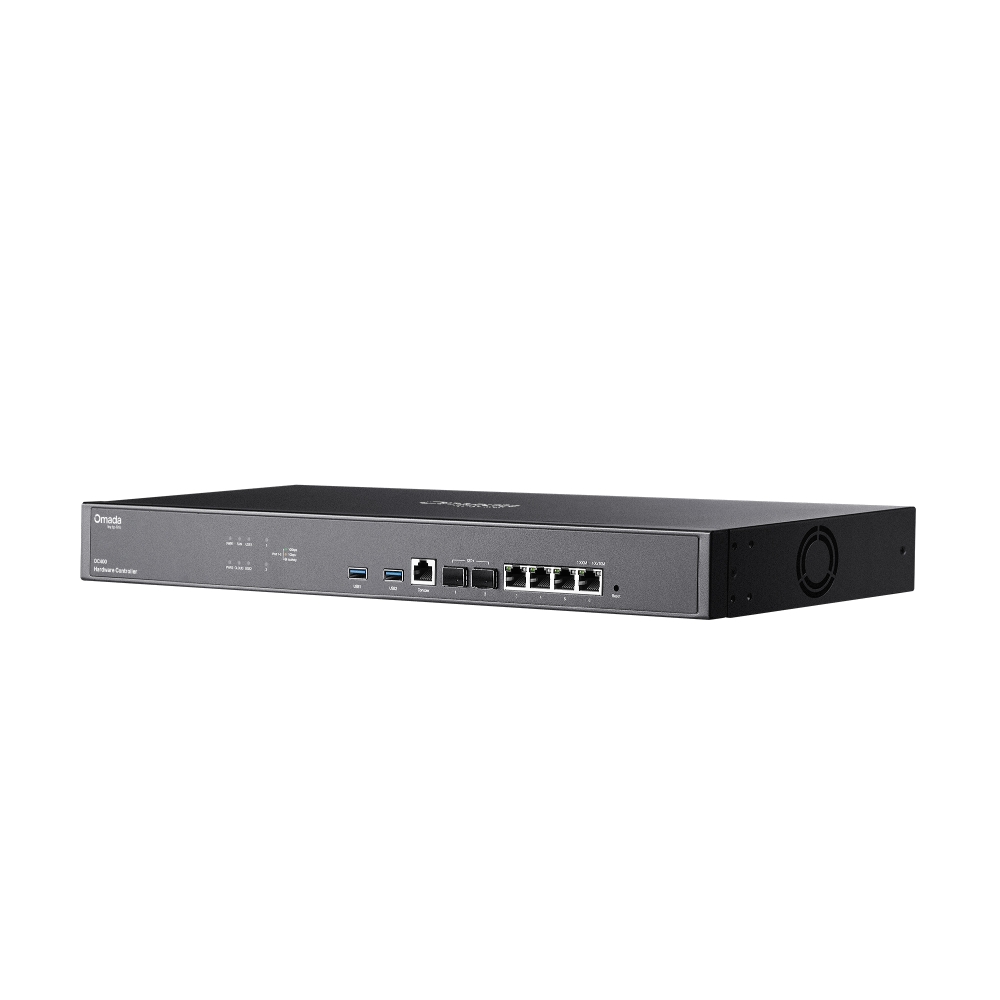
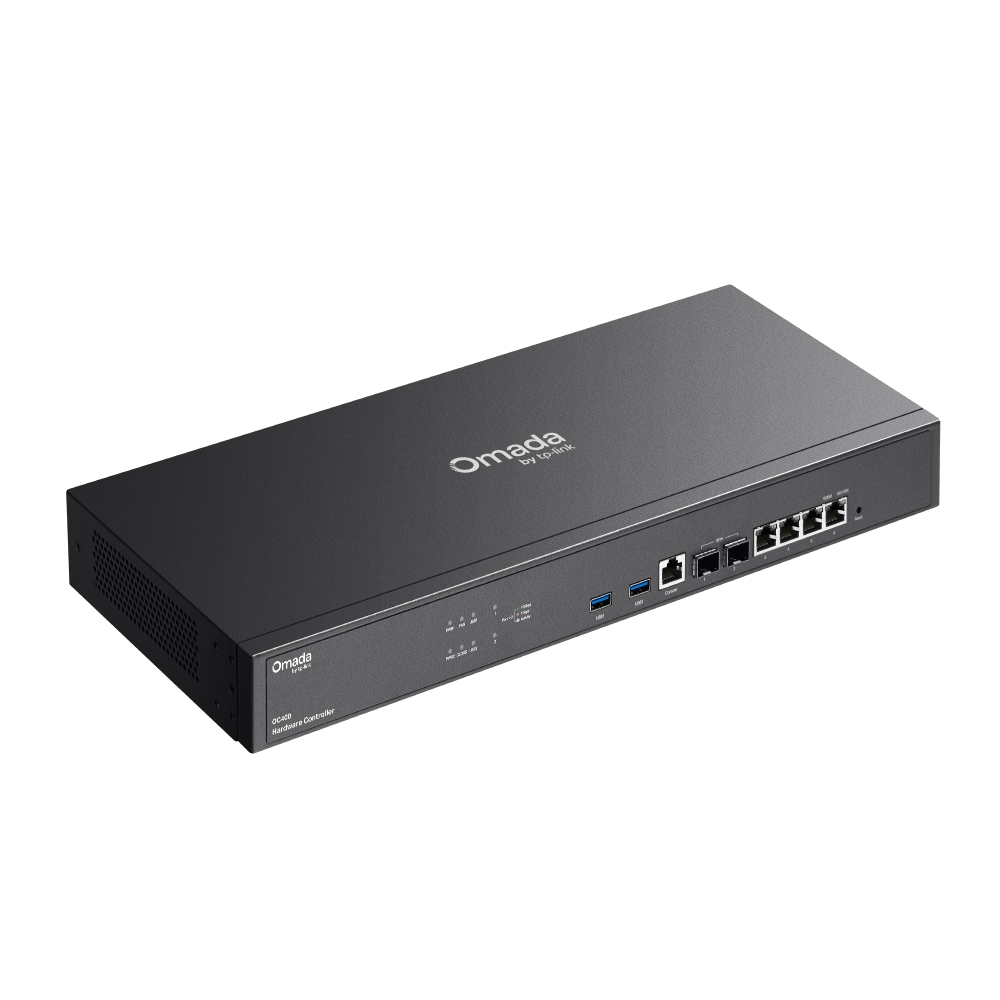
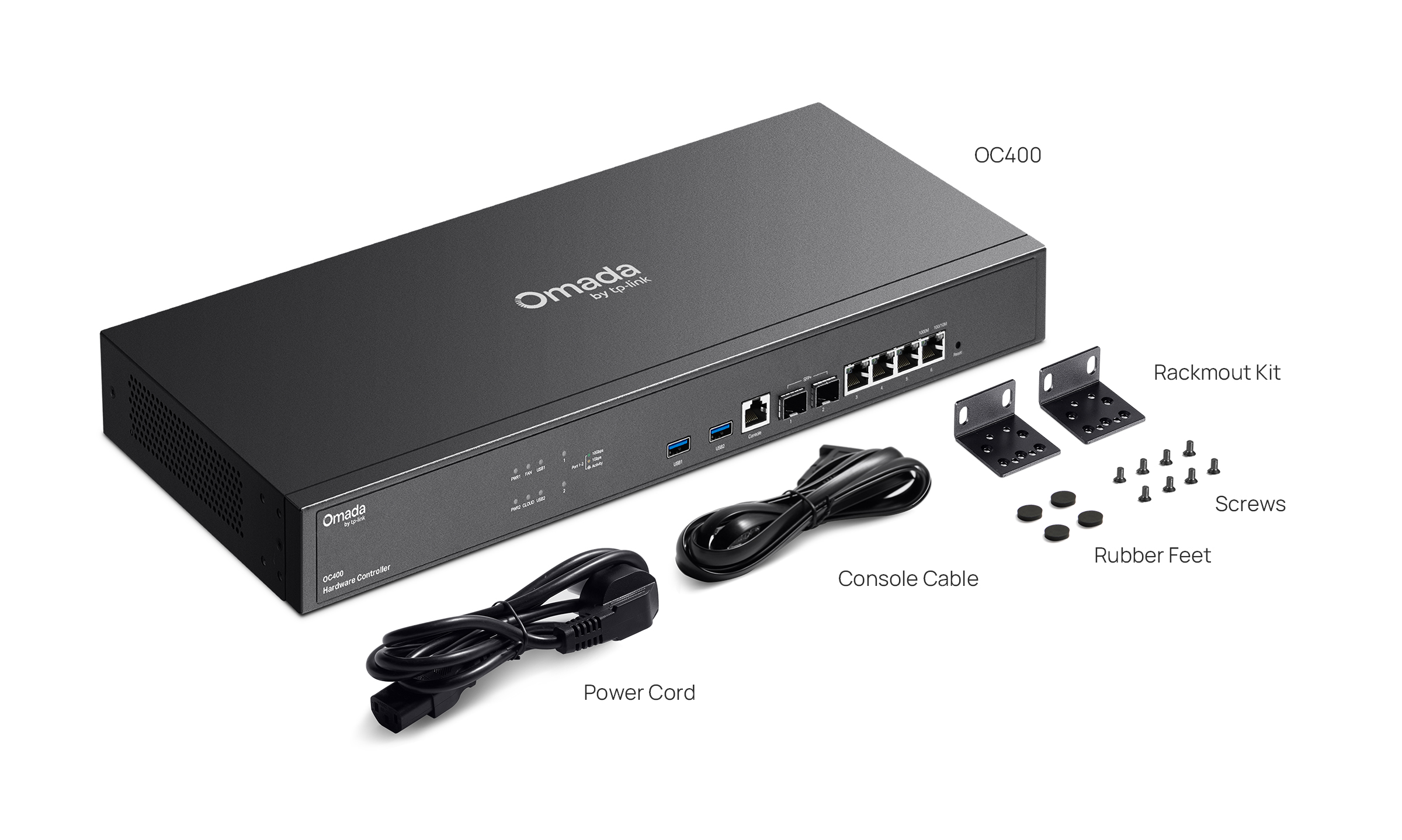
Omada Hardware Controller
- Centralized Cloud Management: up to 1,000 Omada access points, 100 Omada routers, a maximum of 200 Omada switches, and a maximum of 10 certain DeltaStream GPON OLTs*
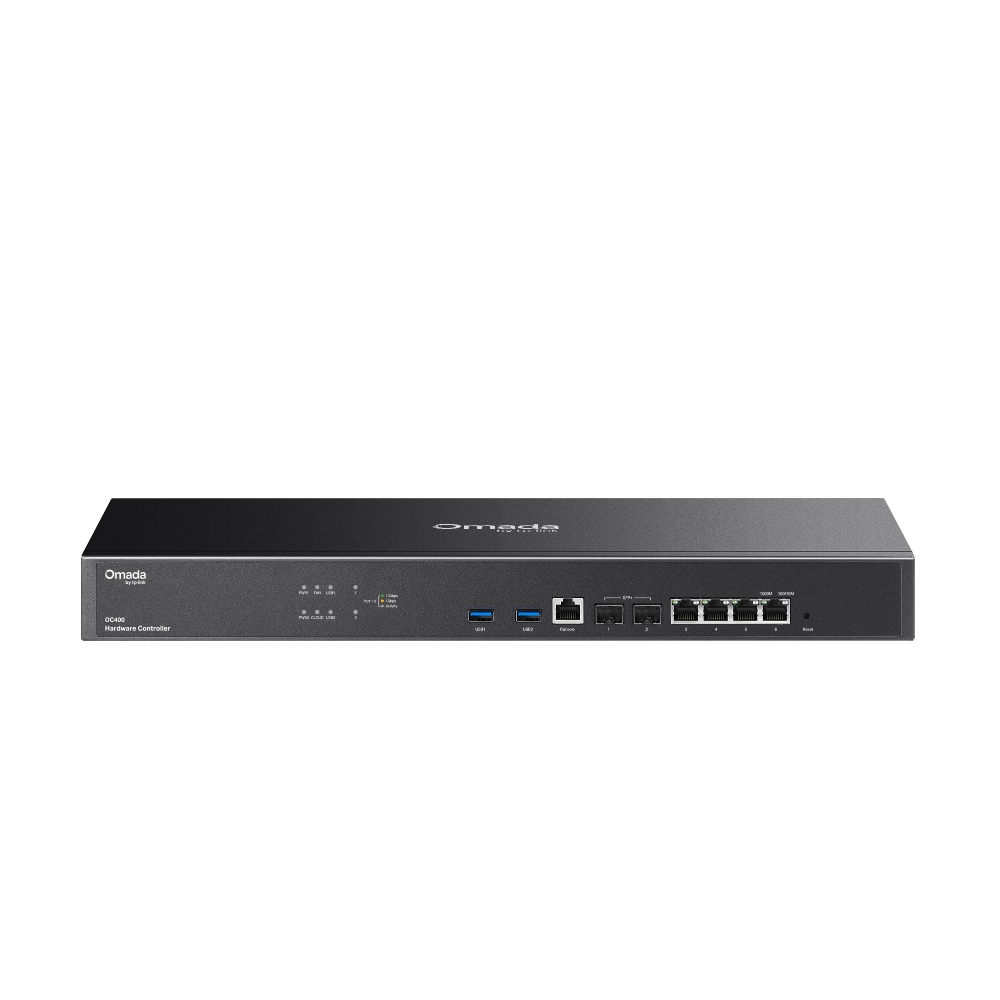
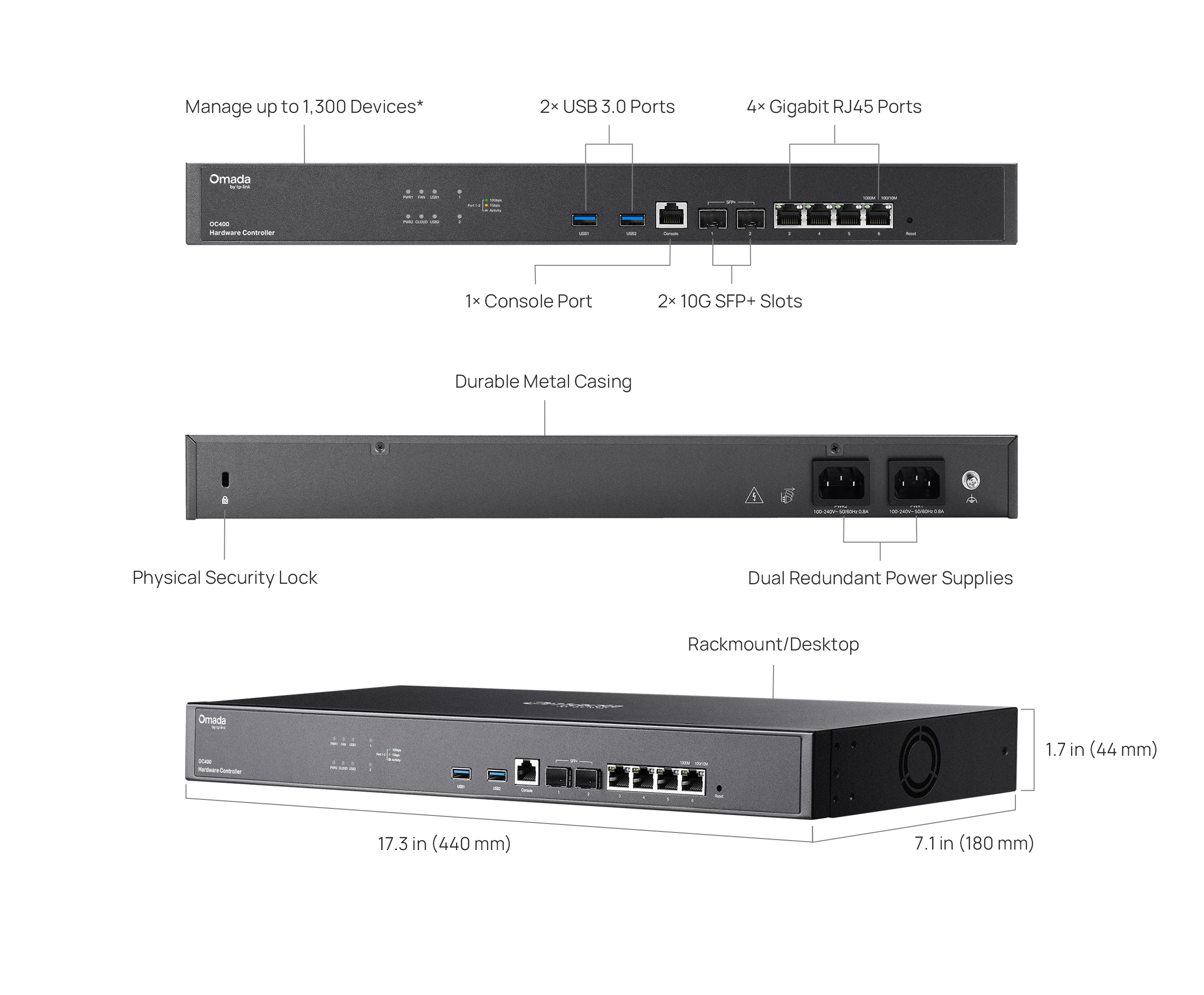
- 2× 10G SFP+ Slots, 4× Gigabit RJ45 Ports, and 2× USB 3.0 Ports.
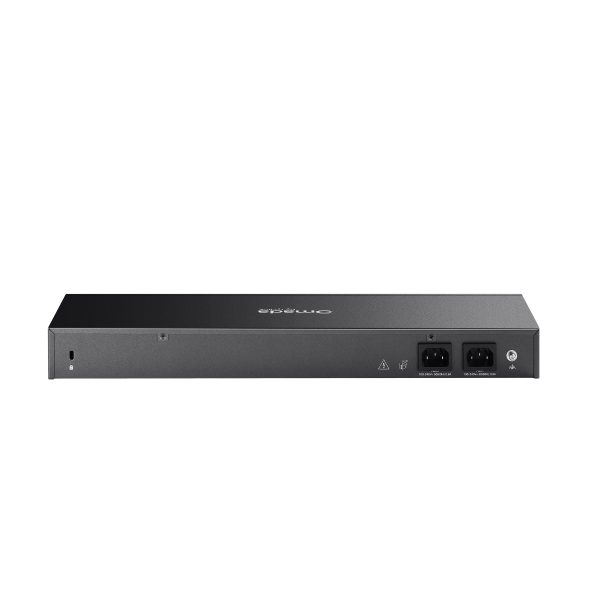
- Redundant power supplies offer a reliable networking architecture.
- Free cloud access with the Omada app or Web UI from anywhere, anytime.
- On-premises manages to locally monitor and manage devices.
- The easy-to-use dashboard and real-time network topology make network monitoring easy.
- Batch and multi-site management benefit network maintenance.
-
Manage up to 1,300 Devices*
-
No Need for
a Running PC/Server -
Optional Cloud with
No License Fees -
Manage via Omada App
-
2× 10G SFP+ Slots,
4× Gigabit RJ45 Ports -
2× USB 3.0 Ports for Backup
-
Fanless for Silent Operation
-
Dual-Fixed Redudant
Power
Supplies


Hybrid Cloud Management for Maximum
Convenience
Remotely or locally manage up to 1,000 Omada access points, 100 Omada gateways, a maximum of 200 Omada switches, and a maximum of
10 certain DeltaStream GPON OLTs via the Omada App or Web UI.†
VPN Gateway
PoE Switch
Access Points
Hardware Controller
OC400
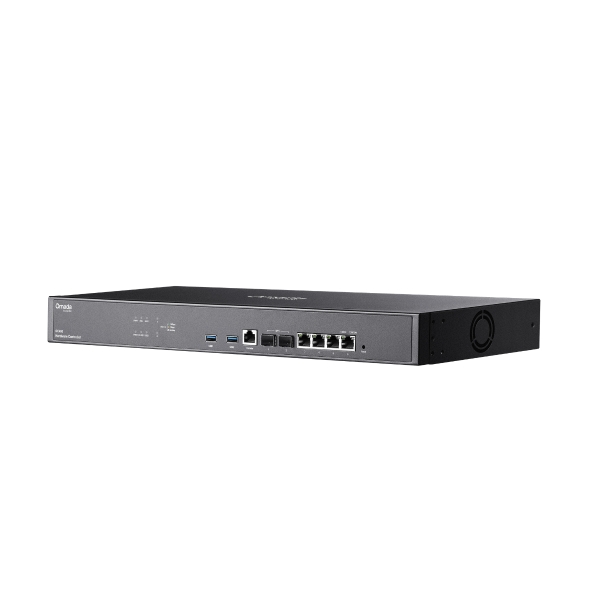
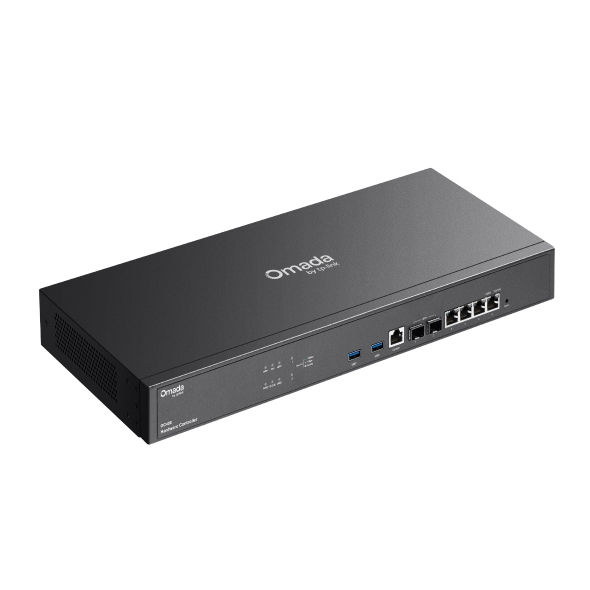
Industry-Leading Hardware Design
Equipped with an advanced design and the latest chipset, OC400 has enough processing power to support the massive
management of your business network. Rackmount/desktop design benefits easier and flexible installation.
4× Gigabit
RJ45 Ports
2× USB 3.0 Ports
For Auto-Backup
2× 10G
SFP+ Slots
1× Console
Port
Greater Convenience
with the Omada App
Remotely access and configure your whole network with a tap of your phone from anywhere in the world.








| HARDWARE FEATURES | |
|---|---|
| Processor | Quad-Core A72 @ 2.2 GHz |
| Memory | 8 GB DDR4 |
| Interface | • 2× 10G SFP+ Ports• 4× Gigabit RJ45 Ports• 2× USB 3.0 Ports• 1× Gigabit Console Port |
| Power Supply | 100-240 V ~ 50/60 Hz AC |
| Storage | 4 MB Nor Flash; 32 GB eMMC |
| Net Weight | 2.09 Kg |
| Dimensions ( W x D x H ) | 17.3 × 7.1 × 1.7 in (440 × 180 × 44 mm) |
| Management Features | |
|---|---|
| Omada App | Yes |
| Centralized Management | • 1,000 Omada access points• 100 Omada gateways• A maximum of 200 Omada switches†• A maximum of 10 certain DeltaStream GPON OLTs†Note: The DeltaStream GPON OLTs supported by the controller are DS-P7001-04 and DS-P7001-08. Please refer to www.tp-link.com/en/business-networking/all-omada/ to find all the Omada device models supported by OC400 |
| Cloud Access | Yes |
| Multi-site Management | Yes |
| Management Features | • Multi-tenant Management (Role/Site/Device Privileges)• Migration (Site Migration/Controller Migration)• Account Management• Backup & Restore• Auto Backup• Customized UI Interface• Automatic Device Discovery • Batch Configuration• Online upgrade• Reboot Schedule• PoE Schedule• WLAN Schedule• Batch Firmware Upgrading • DDNS• SNMP• SSH |
| Redundant Power Supply | |
|---|---|
| Redundant Power Supply | 2× Internal Fixed Power Supplies |
| MONITORING | |
|---|---|
| Monitoring | • DPI• IPS/IDS• Dashboard (Custom Dashboard)• Statistics (Performance/Switch Stats)• Network topology • Network Map • Devices List (Custom Table)• Clients List (Custom Table)• Insights (Known Clients/Past Connections/Past Portal Authorizations/Rogue APs)• Logs (Alerts/Events/Custom Notifications) |
| OTHERS | |
|---|---|
| Certification | CE, FCC, RoHS |
| Package Content | • Omada Hardware Controller OC400• Quick Installation Guide • Ethernet Cable• Power Cord• Rackmount Kit |
| System Requirements | Microsoft® Windows®10, 8, 7,Vista™, XP or MAC® OS, NetWare®, UNIX® or Linux |
| Environment | • Operating Temperature: 0–40 ℃ (32–104 ℉)• Storage Temperature: -40–70 ℃ (-40–158 ℉)• Operating Humidity: 10–90% RH non-condensing• Storage Humidity: 5–90% RH non-condensing |
Attention: It is recommended to use up to two SM5310-T (TL-SM5310-T) modules for the OC400.
*The number of supported Omada switches decreases by 5 for each DeltaStream GPON OLT added. Refer to https://www.omadanetworks.com/omada-sdn/product-list/#sp-gpon to find all the DeltaStream GPON OLTs that are supported by the controller.
△The Wi-Fi Tab is only available on the Omada Cloud-Based Controller. Support for the On-Premises Controller is planned for Q1 2026.