
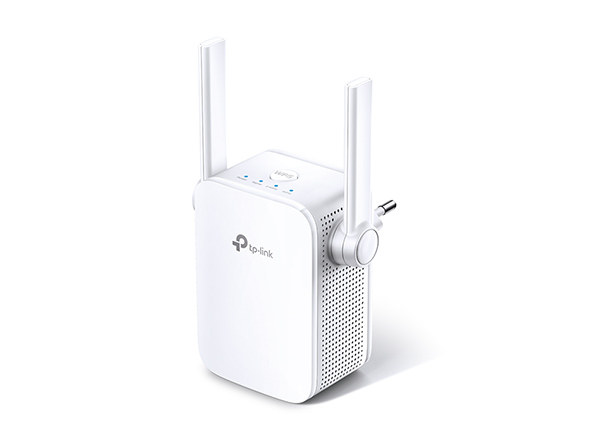
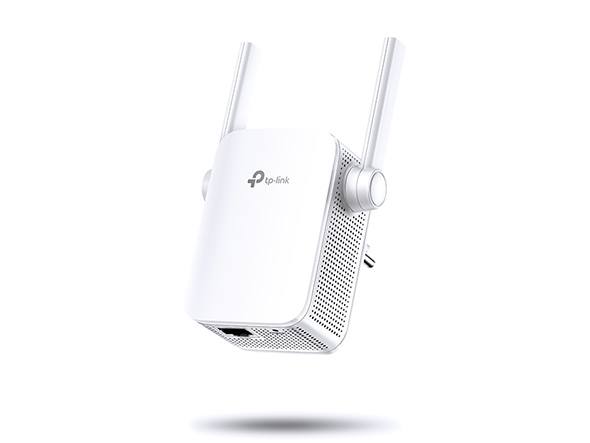


AC1200 Mesh Wi-Fi Range Extender
- Ζωντανεύει τη νεκρή ζώνη Wi-Fi με ισχυρή επέκταση Wi-Fi σε συνδυασμένη ταχύτητα έως 1,2Gbps
- Λειτουργεί τόσο στη ζώνη 2,4GHz (300Mbps) όσο και στην ζώνη 5GHz (867Mbps) για πιο σταθερή ασύρματη εμπειρία
- Δημιουργεί ένα δίκτυο Mesh συνδέοντας έναν δρομολογητή TP-Link OneMesh™ για απρόσκοπτη κάλυψη σε ολόκληρο το σπίτι.
- Η έξυπνη φωτεινή ένδειξη συμβάλλει στην εύρεση της καλύτερης θέσης για βέλτιστη κάλυψη Wi-Fi, δείχνοντας την ισχύ του σήματος
- Λειτουργεί με οποιονδήποτε δρομολογητή Wi-Fi ή ασύρματο σημείο πρόσβασης
- EasyMesh-Compatible - Flexibly creates a Mesh network by connecting to an EasyMesh-compatible router for seamless whole-home coverage
Stable Dual Band Wi-Fi Extension
to Bring Dead Zones to Life
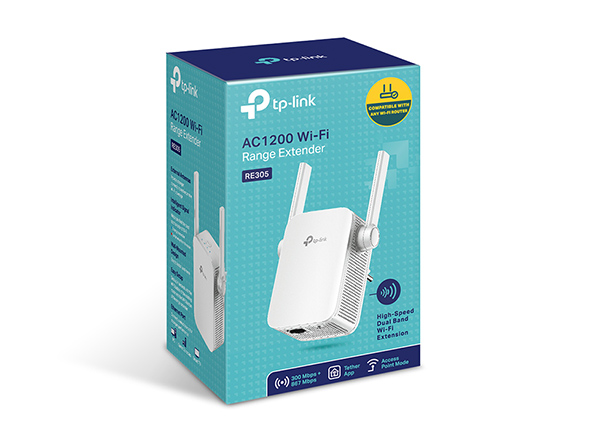
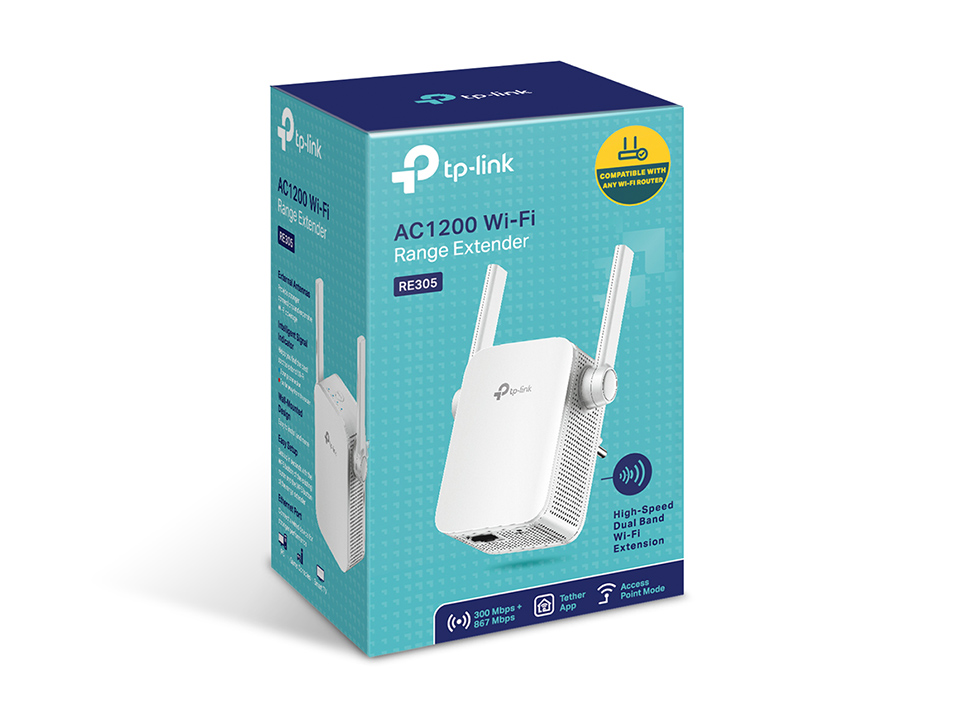
AC1200 Wi-Fi Range Extender
RE305
Easily Expand Your Wi-Fi Coverage
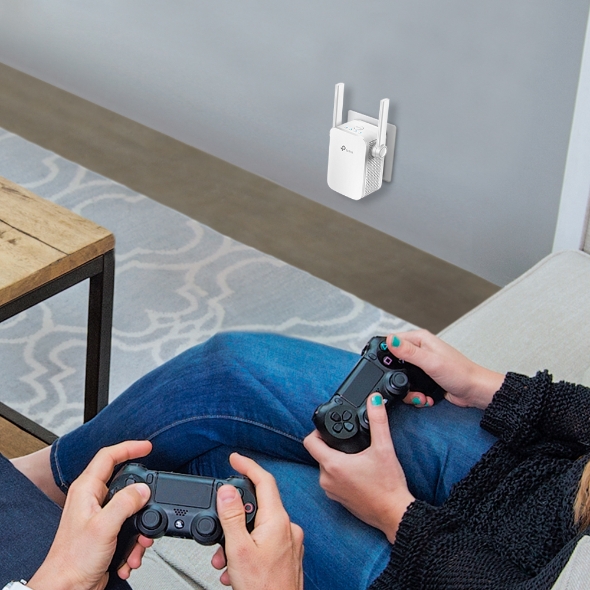
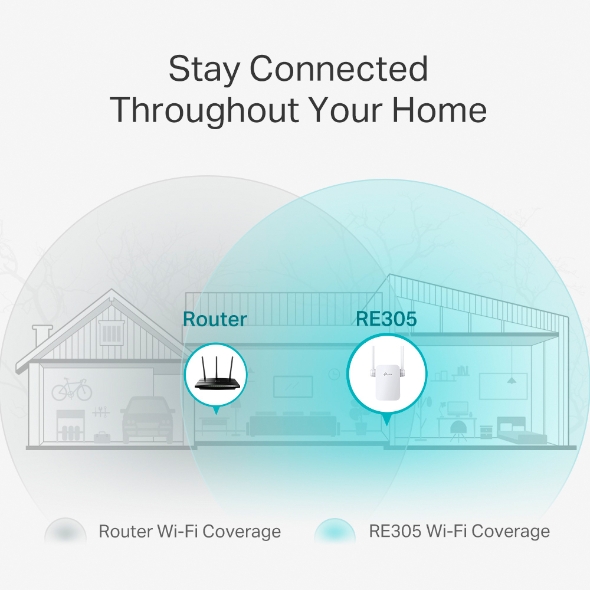
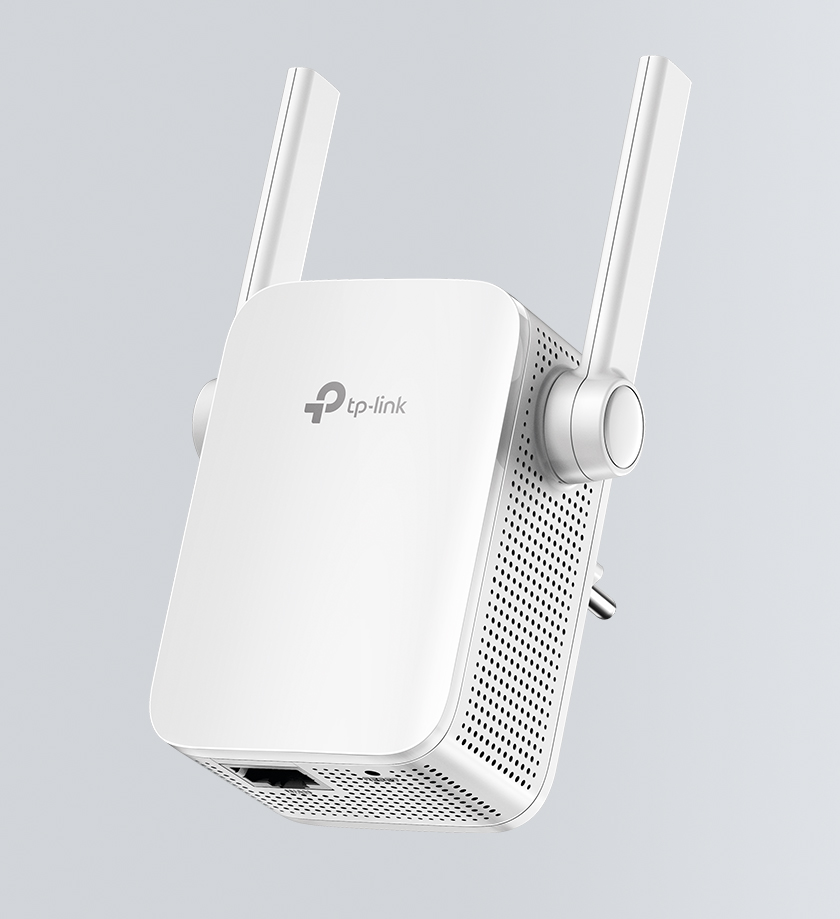
Tired of Wi-Fi dead zones in your home? The RE305 Range Extender connects to your Wi-Fi router wirelessly, strengthening and expanding its signal into areas it can’t reach on its own, while reducing signal interference to ensure reliable Wi-Fi coverage throughout your home or office.
High-Speed Dual Band Wi-Fi for Better Connections
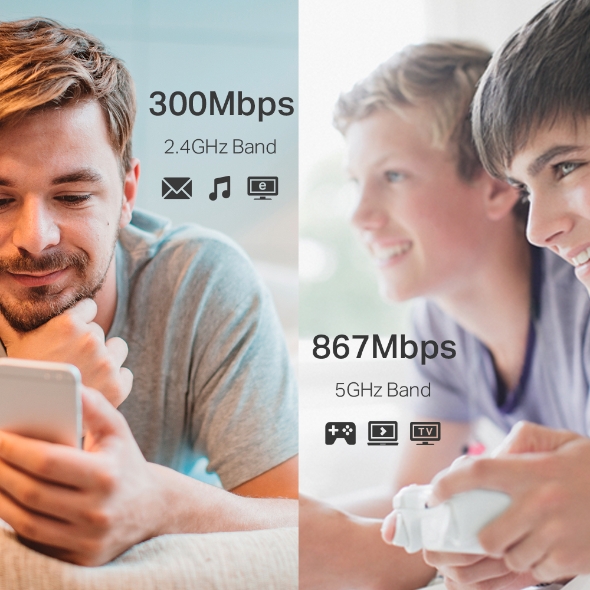
The RE305 lets you keep more devices connected at the same time with its 2.4GHz 300Mbps and 5GHz 867Mbps dual bands. Use the 2.4GHz band to send email and browse the web, and the 5GHz band for gaming and HD streaming.†
- 300Mbps
- 2.4GHz Band
- 867Mbps
- 5GHz Band
Flexibly Create Whole Home Mesh WiFi
If you have any dead zones at home, just add another Easymesh-compatible router to further form your whole home mesh WiFi. No more searching for a stable connection.
-
EasyMesh Devices
(Router + Range Extender) -
Traditional Router
with Extender Wi-Fi
-

WiFi Dead Zone Killer
Eliminate weak signal areas with WiFi coverage for the whole house
-

Smart Roaming
Uninterrupted streaming when moving around your home§
-

One WiFi Name
No more switching WiFi network names
Perfect Location at a Glimpse
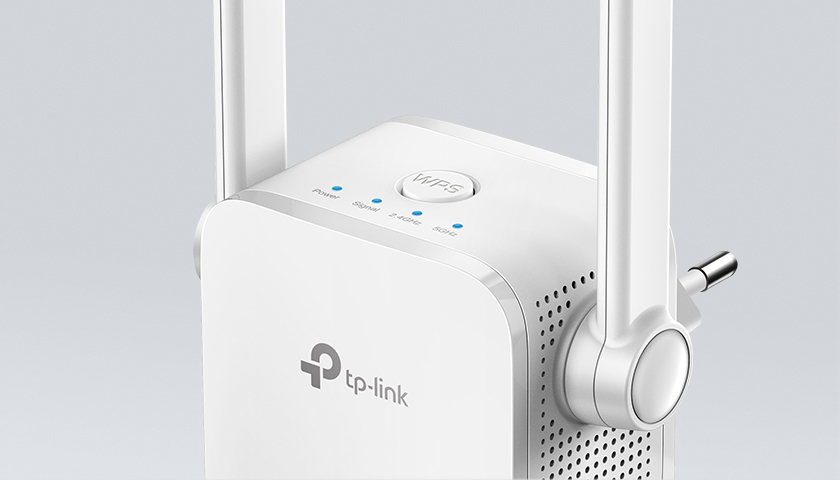
An Intelligent Signal light helps you quickly find the best location to install the RE305.
- Blue
-
Good
connection
- Red
-
Too far away
from the router
Built-in Access Point Mode
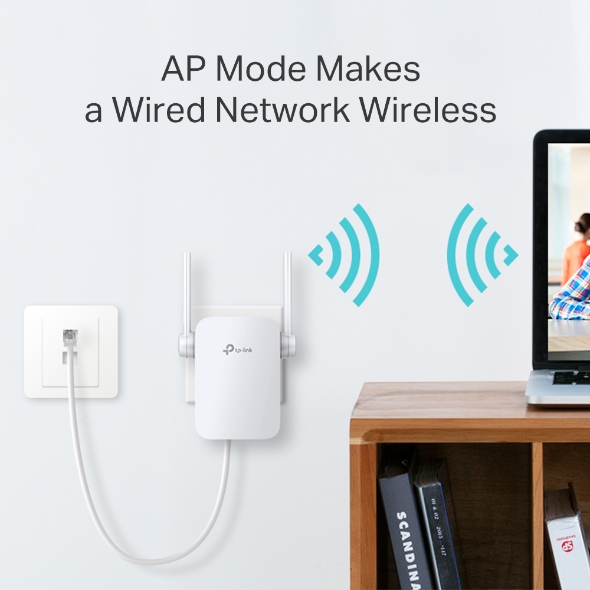
RE305 is more than a wireless range extender. Simply plug the Ethernet cable into its Ethernet port to easily turn your wired internet connection into a dual band wireless access point.
Easy Management and Remote Control
The RE305 works with all Wi-Fi routers.* You can use TP-Link's free Tether app to set up the range extender from any Android or iOS device in minutes. This feature-rich phone app allows you to enjoy not only hassle-free installation, but also access to advanced network management, all at your fingertips.


| Standards and Protocols | IEEE802.11ac, IEEE 802.11n, IEEE 802.11g, IEEE 802.11a, IEEE 802.11b |
|---|---|
| Plug Type | EU, UK, US |
| Interface | 1 x 10/100M Θύρα Ethernet (RJ45) |
| Button | WPS Κουμπί, Reset Κουμπί |
| Input Power | 100-240V~50/60Hz |
| Max. Power Consumption | 7,3W (μέγιστη κατανάλωση ισχύος) |
| Dimensions ( W x D x H ) | 3.1 x 3.0 x 3.0 in. (80 x 78 x 77mm) |
| Antenna | 2 x εξωτερικές |
| Wireless Standards | IEEE 802.11a/n/ac 5GHz, IEEE 802.11b/g/n 2.4GHz |
|---|---|
| Frequency | 2.4GHz & 5GHz(11ac) |
| Signal Rate | 5GHz:έως και 867Mbps 2.4GHz:έως και 300Mpbs |
| Working Modes | Range Extender/Access Point |
| Reception Sensitivity | 5GHz:11a 6Mbps:-91dBm11a 54Mbps: -74dBm11ac HT20 mcs8: -68dBm11ac HT40 mcs9: -63dBm11ac HT80 mcs9: -59dBm2.4GHz11g 54Mbps: -79dBm11n HT20 mcs7: -77dBm11n HT40 mcs7: -74dBm |
| Wireless Functions | Enable/Disable Wireless RadioDFS (the latest firmware and hardware version is required)Access ControlLED ControlPower ScheduleWi-Fi Coverage |
| Wireless Security | 64/128-bit WEPWPA-PSK / WPA2-PSK |
| Transmission Power | 2.4G<17dBm, 5G<17dBm |
| Mesh Technology | EasyMesh-Compatible |
| Network Services Enabled by Default | Web Server Manage and configure device through web (HTTP/HTTPS) • Port: 80/443 Protocol: TCP DHCP Server IP address assignment (DHCP) • Port: 67 Protocol: UDP App management Manage and configure device through app • Port: 20001 Protocol: TCP • Port: 20002 Protocol: UDP |
|---|---|
| Certification | CE, FCC, RoHS |
|---|---|
| Package Content | AC1200 Wi-Fi Range Extender RE305 Οδηγός γρήγορης εγκατάστασης |
| System Requirements | Microsoft® Windows® 98SE, NT, 2000, XP, Vista ή Windows 7, 8, 10, Mac® OS, NetWare®, UNIX® ή Linux. |
| Environment | Θερμοκρασία λειτουργίας: 0 ° C ~ 40 ° C (32 ° F ~ 104 ° F) Θερμοκρασία αποθήκευσης: -40 ° C ~ 70 ° C (-40 ° F ~ 158 ° F) Υγρασία λειτουργίας: 10% ~ 90% χωρίς συμπύκνωση Υγρασία αποθήκευσης: 5% ~ 90% χωρίς συμπύκνωση |
Οι μέγιστοι ρυθμοί ασύρματου σήματος είναι οι φυσικοί ρυθμοί που προκύπτουν από τις προδιαγραφές IEEE Standard 802.11. Η πραγματική απόδοση ασύρματων δεδομένων και η ασύρματη κάλυψη δεν είναι εγγυημένα και θα διαφέρουν ως αποτέλεσμα 1) περιβαλλοντικών παραγόντων, συμπεριλαμβανομένων οικοδομικών υλικών, φυσικών αντικειμένων και εμποδίων, 2) συνθηκών δικτύου, συμπεριλαμβανομένων τοπικών παρεμβολών, όγκου και πυκνότητας κυκλοφορίας, τοποθεσία προϊόντος πολυπλοκότητα δικτύου και έξοδα δικτύου και 3) περιορισμοί πελάτη, συμπεριλαμβανομένης της ονομαστικής απόδοσης, της τοποθεσίας, της ποιότητας της σύνδεσης και της κατάστασης του πελάτη.
Το προϊόν ενδέχεται να μην είναι συμβατό με δρομολογητές ή πύλες με υλικολογισμικό που έχει τροποποιηθεί, βασίζεται σε προγράμματα ανοιχτού κώδικα ή είναι μη τυποποιημένο ή ξεπερασμένο.
TP-Link EasyMesh-Compatible products can network with other devices that use EasyMesh. Failed connections may be due to firmware conflicts of different vendors. The EasyMesh-Compatible function is still being developed on some models and will be supported in subsequent software updates.