


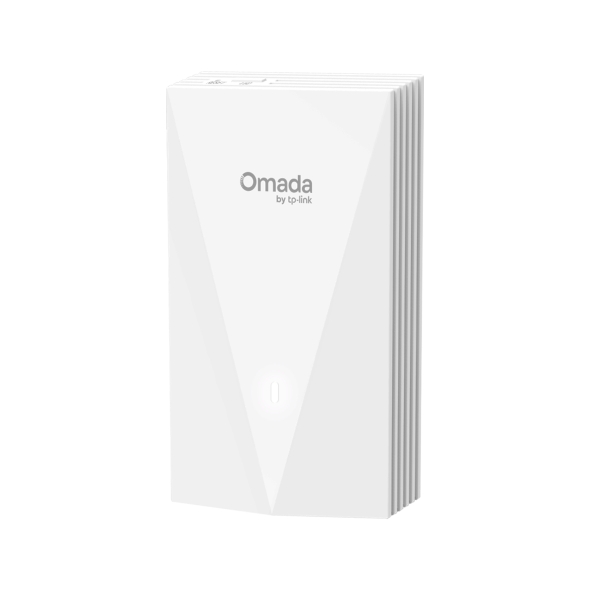
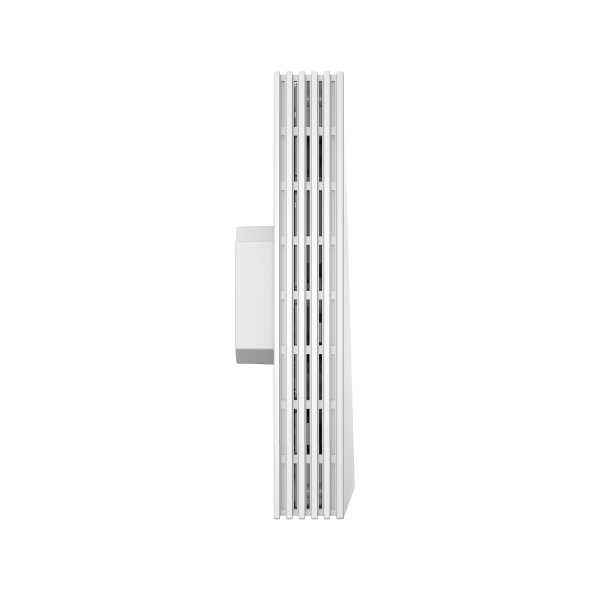
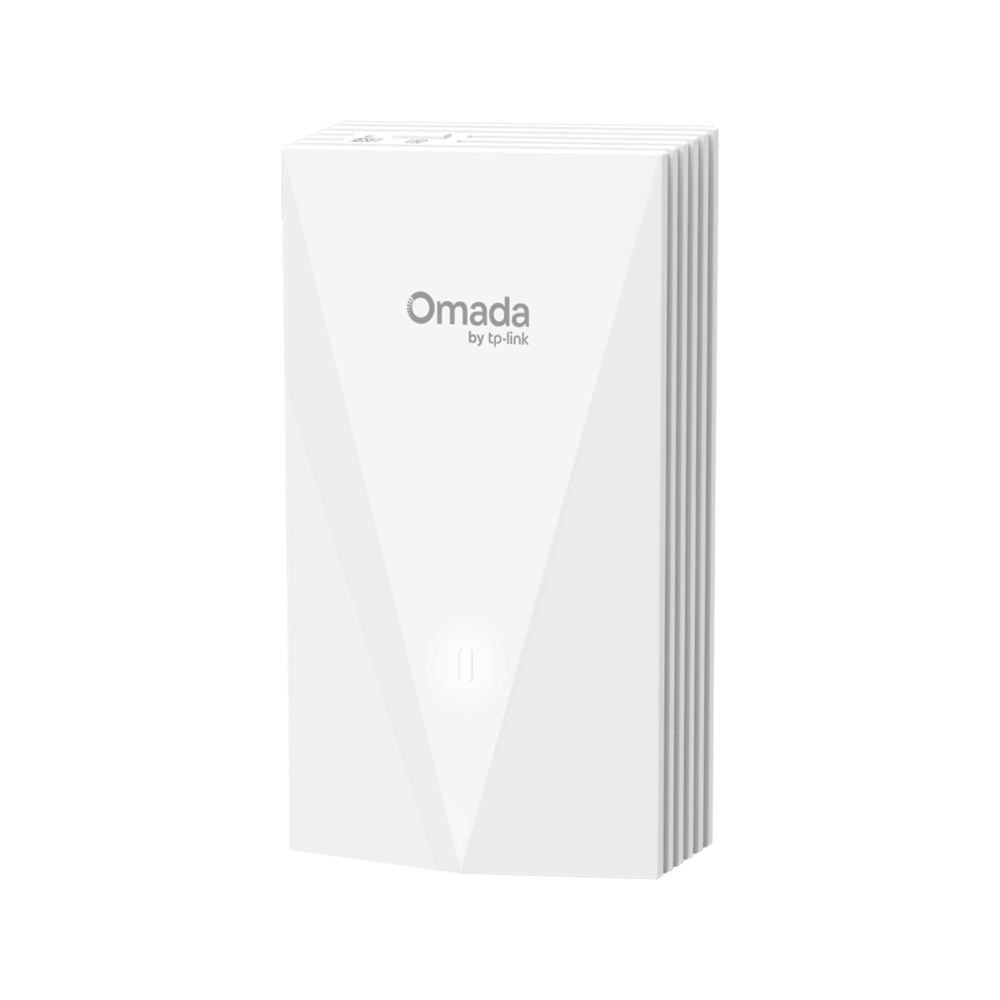
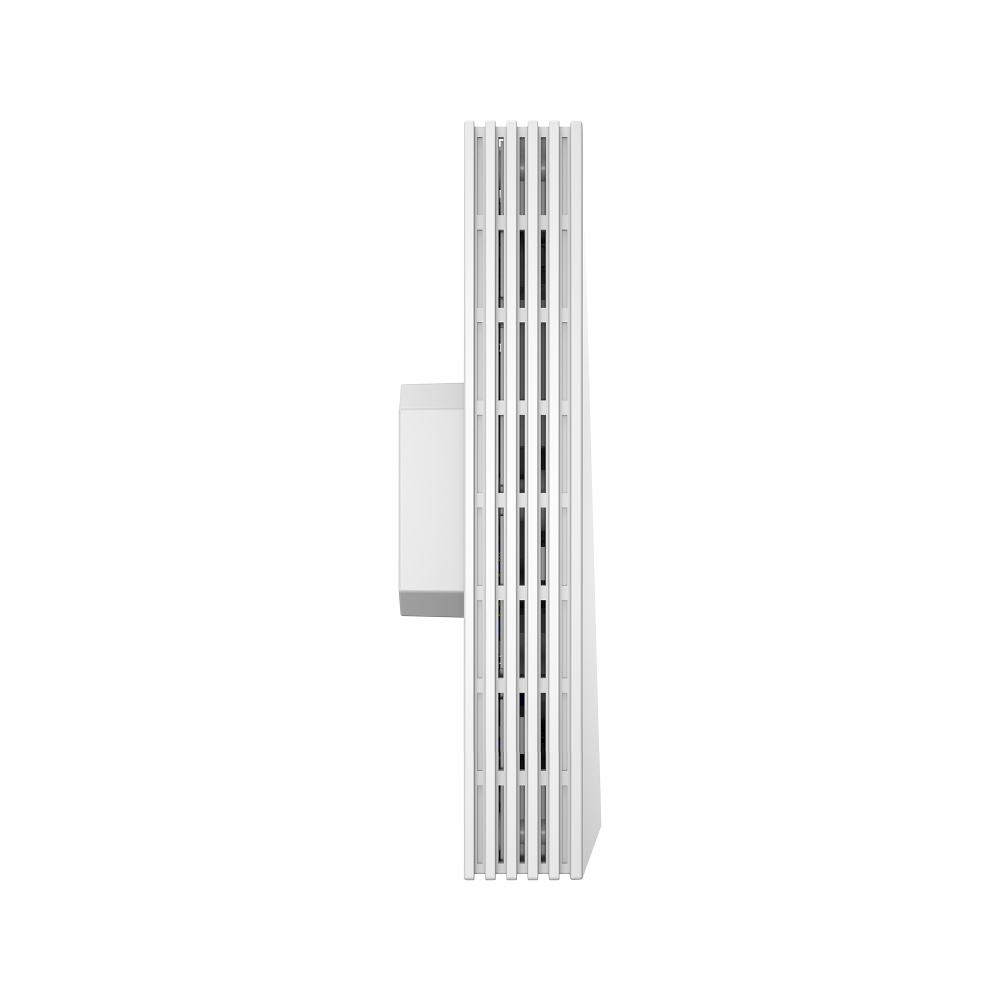
AX3000 Wall Plate WiFi 6 Access Point
- Dual-Band Wi-Fi 6: 2,402 Mbps on 5 GHz, and 574 Mbps on 2.4 GHz.†
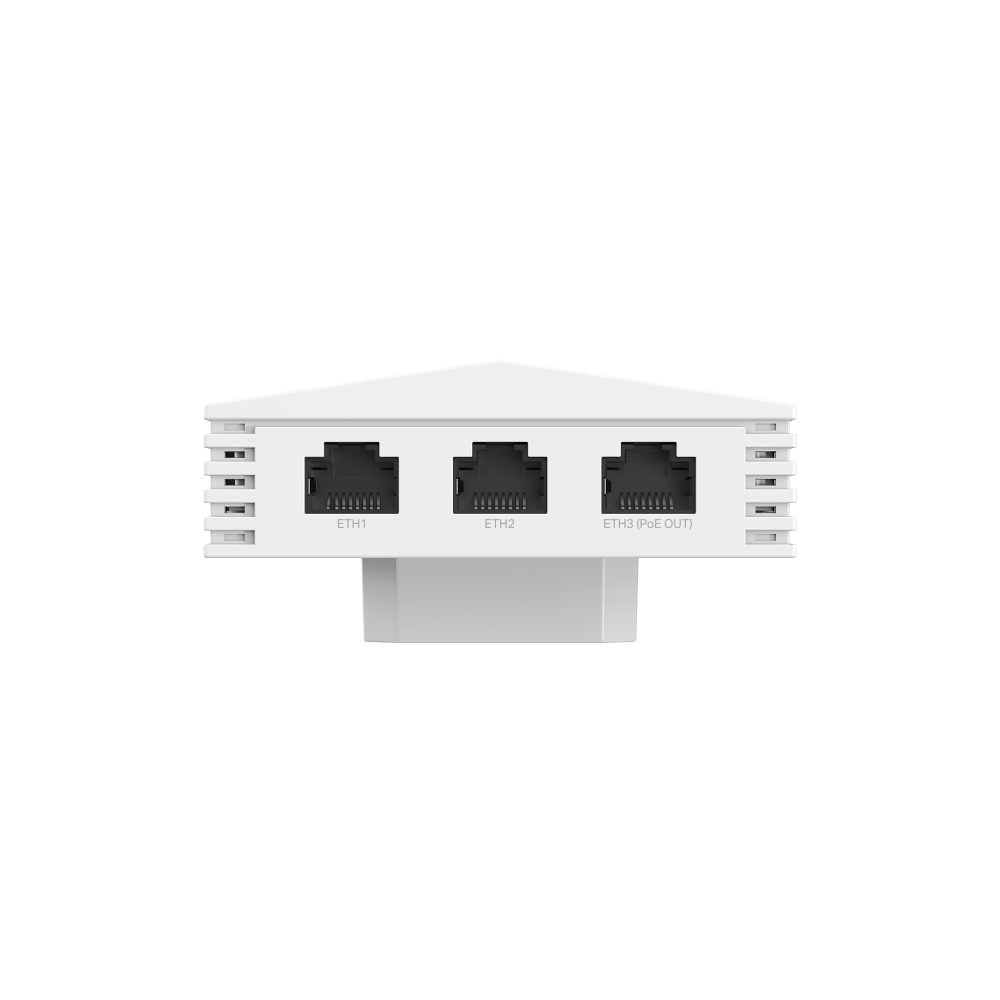
- Multiple Ports with PoE Flexibility: 4× Gigabit Ports (1× PoE In, 1× PoE Pass-Through)
- Low Latency and Interference: MU-MIMO, OFDMA, and 1024-QAM ensure high performance for your network.‡
- Easy Setup, Easy to Use: Supports 802.3af/at PoE for flexible installation and Omada SDN for one-click setup.
- Advanced Features: Supports centralized management, mesh, and seamless roaming.△
- Complete In-Room Wi-Fi with More Connections: Supports 120+ concurrent connections** and covers up to 600 ft² (50 m²)* for reliable and extensive wireless connectivity.
-

AX3000 Dual-Band
WiFi 6 -

160 MHz Channel
-

4× Gigabit Ports
-

Seamless
Roaming -

Centralized Cloud Management
-

802.3af/at PoE
-

Enhanced
Security -

Easy, Quick
Setup
Dedicated Complete, Private WiFi Network in Each Room

Hospitality

Dormitory

Apartment

Villa

Meeting Room

Office
Lightning-Fast AX3000 WiFi 6 Speeds
-
5 GHz 2402 Mbps
-
2.4 GHz 574 Mbps
-

1024 QAM
-

Long OFDM Symbol
-
OFDMA
160 MHz Channel
Full Gigabit Ports to Bridge Network
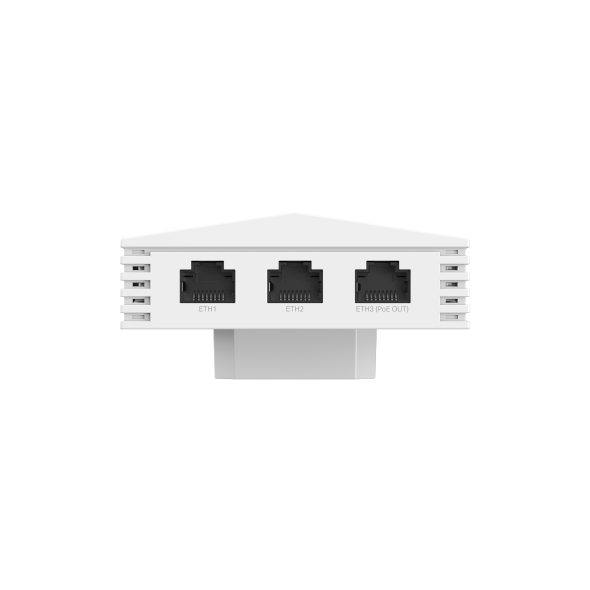
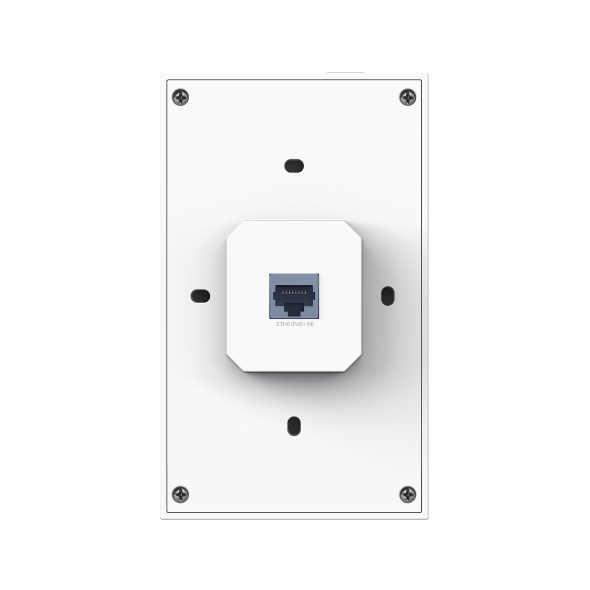
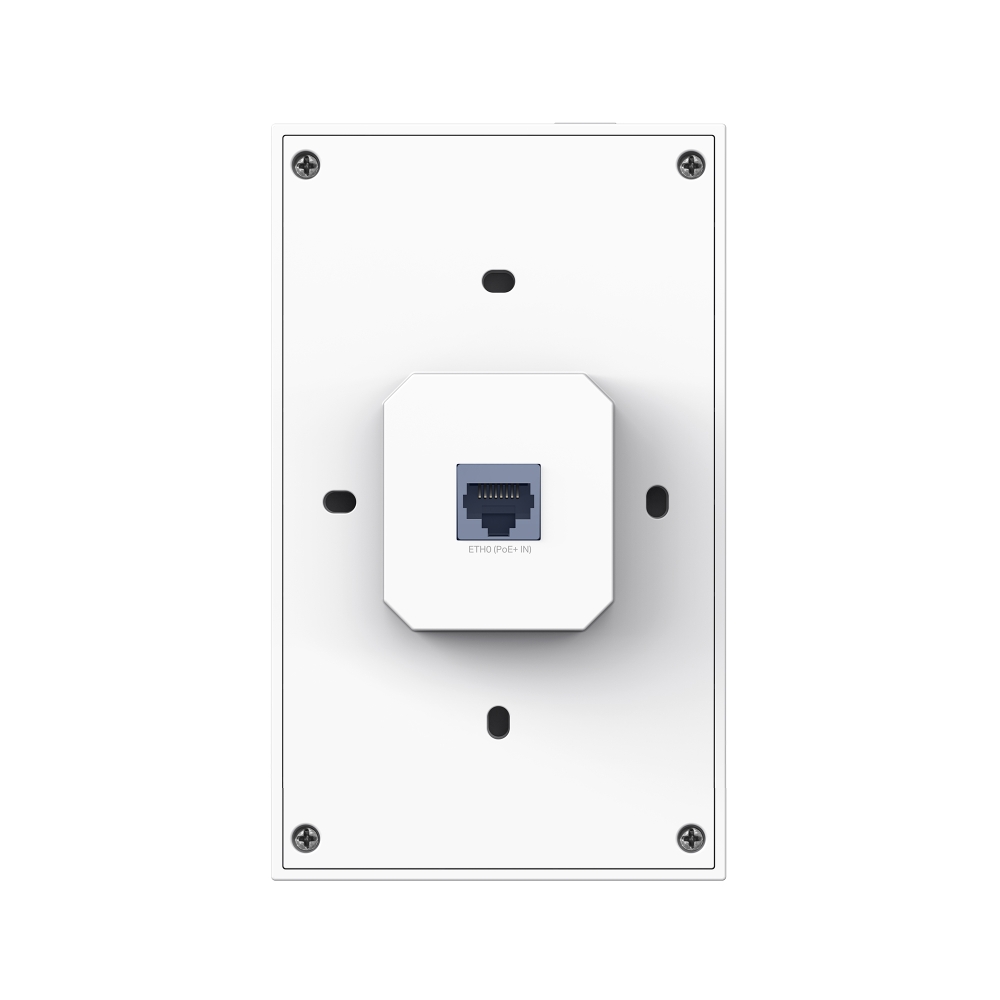
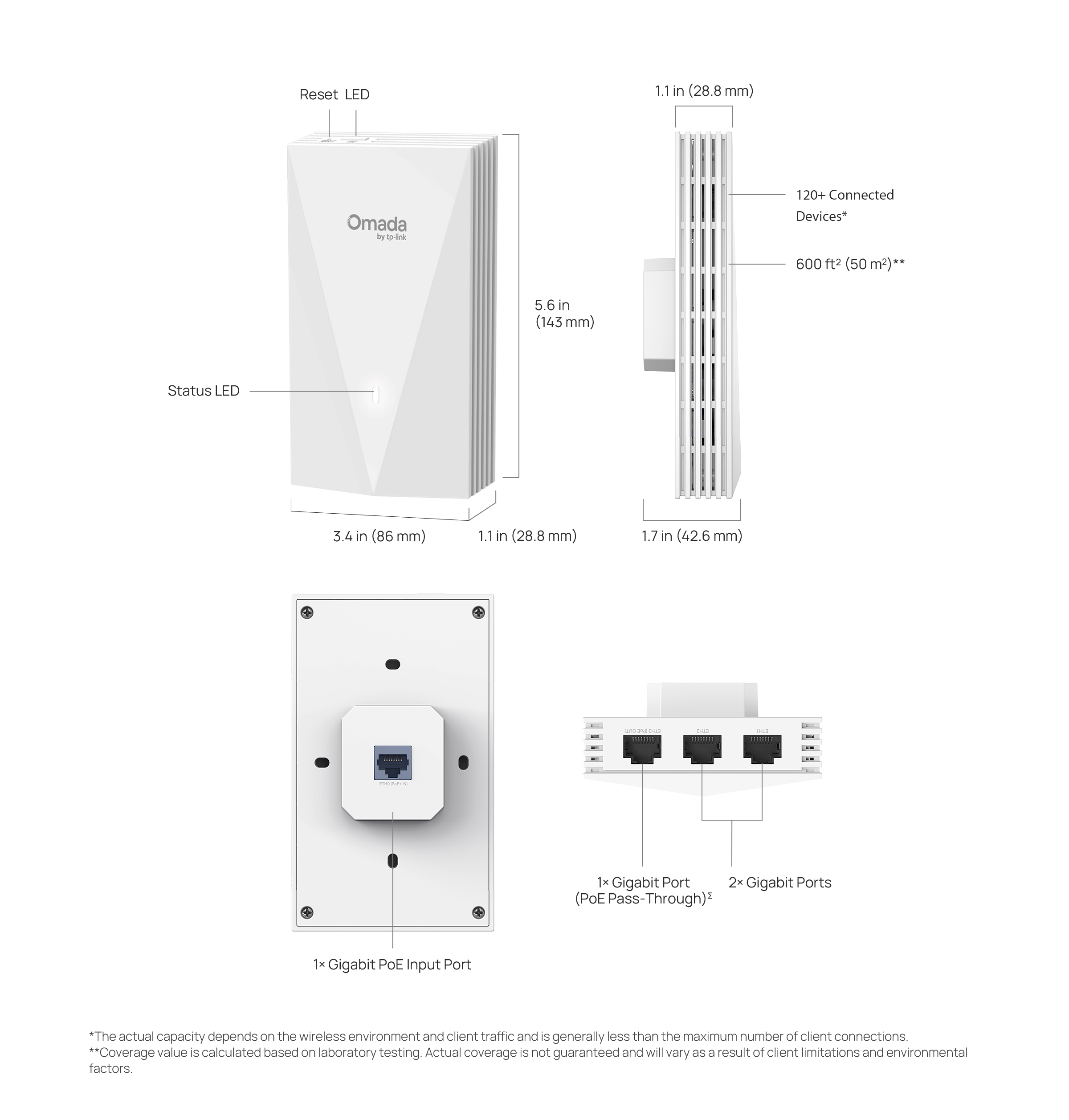
This device features four Gigabit data ports (1 uplink + 3 downlinks) for connecting multiple devices to your network, with one downlink port supporting PoE pass-through to eliminate the need for an extra power connection.
Optimized Wired Performance with 2.5G PoE Ports
With 2.5G PoE input and output ports, EAP720-Wall delivers remarkable multi-gigabit performance for higher bandwidth and faster Wi-Fi. Wired devices, such as IP Phones, can be powered without the need for additional electrical cables.
ΣPoE pass-through feature requires an 802.3at PoE input.
ΣThe 802.3af PoE output requires an 802.3at PoE input.
Easy Deployment, Quick Installation
-
TP-Link PoE Switch
Ethernet Cable
Effortless Deployment with PoE Powered
-
86 mm wall junction box
Standard EU wall junction box
Standard US wall junction box
The Easy-to-install Design
Boosted Network
Security
-

Secure Guest Network with up to 16 SSIDs
-

Boost Your Business
with SMS Login -

WPA3 for Worry-Free Open Public Networks
-

Rogue AP Detection
Seamless Integration into Omada SDN
Ceiling Mount AP
Outdoor AP
PoE Switch
VPN Gateway
(Cloud-Based)
or Essentials version
| 하드웨어 사양 | |
|---|---|
| 인터페이스 및 주요 사양 | • Uplink: 1× Gigabit Ethernet Port • Downlink: 3× Gigabit Ethernet Ports (One port supports PoE out. The PoE out feature requires 802.3at PoE+ input. The maximum power output for POE pass-through is 10.5 W (EU version) or 10 W (US version), based on laboratory testing.) |
| 물리적 보안 잠금 장치 | No |
| 버튼 | Reset, LED |
| 전원 공급 | 802.3af/at PoE |
| 전력 소모 | • EU: 12W (802.3at PoE, PoE Out off)• US: 12.6W (802.3at PoE, PoE Out off) |
| 크기 ( 가로 x 세로 x 높이 ) | 143 × 86 × 42.6 mm (5.6 × 3.4 × 1.7 in) |
| 안테나 | 2 Dual-Band Antennas• 2.4 GHz: 2× 3 dBi• 5 GHz: 2× 5 dBi |
| 마운트 | Wall Plate Mounting (Kits included) |
| 무선 기능 | |
|---|---|
| 커버리지 | 50㎡(600 ft²)*** |
| 동시 접속 클라이언트 | 120+△ |
| 무선 표준 | IEEE 802.11ax/ac/n/g/b/a |
| 주파수 | 2.4 GHz and 5 GHz |
| 신호 속도 | • 5 GHz: Up to 2402 Mbps• 2.4 GHz: Up to 574 Mbps |
| 무선 기능 | • 16 SSIDs (Up to 8 SSIDs on each band)• Enable/Disable Wireless Radio• Automatic Channel Assignment• Transmit Power Control (Adjust Transmit Power on dBm)• QoS(WMM)• Seamless Roaming§• Beamforming• Rate Limit• Load Balance• Airtime Fairness• Band Steering• Reboot Schedule• Wireless Schedule• RADIUS Accounting• MAC Authentication• Wireless Statistics• Static IP/Dynamic IP |
| 무선 보안 | • Captive Portal Authentication§• Access Control• Wireless Mac Address Filtering• Wireless Isolation Between Clients• VLAN• Rogue AP Detection• 802.1X Support• WPA-Personal/Enterprise, WPA2-Personal/Enterprise, WPA3-Personal/Enterprise |
| 전송 강도 | • CE: <20 dBm (2.4GHz, EIRP)<23 dBm (5GHz band1 & 2, EIRP)<26 dBm (5GHz band3, EIRP)• FCC: < 21 dBm (2.4 GHz)< 21 dBm (5 GHz) |
| 관리 | |
|---|---|
| Omada 앱 | Yes |
| 중앙 집중식 관리 | • Omada Hardware Controller • Omada Software Controller • Omada Cloud-Based Controller |
| 클라우스 액세스 | Yes. Require the use of an Omada controller. |
| 이메일 경보 | Yes |
| LED 켜기/끄기 제어 | Yes |
| 관리 MAC 액세스 컨트롤 | Yes |
| SNMP | v1, v2c, v3 |
| 시스템 로깅 로컬/리모트 시스로그 | Local/Remote Syslog |
| SSH | Yes |
| 웹기반 관리기능 | HTTP/HTTPS |
| L3 관리 | Yes |
| 멀티 사이트 관리 | Yes |
| VLAN 관리 | Yes |
| 제로 터치 프로비저닝 | Yes. Require the use of an Omada controller. |
| 기타 | |
|---|---|
| 인증 | FCC, RoHS |
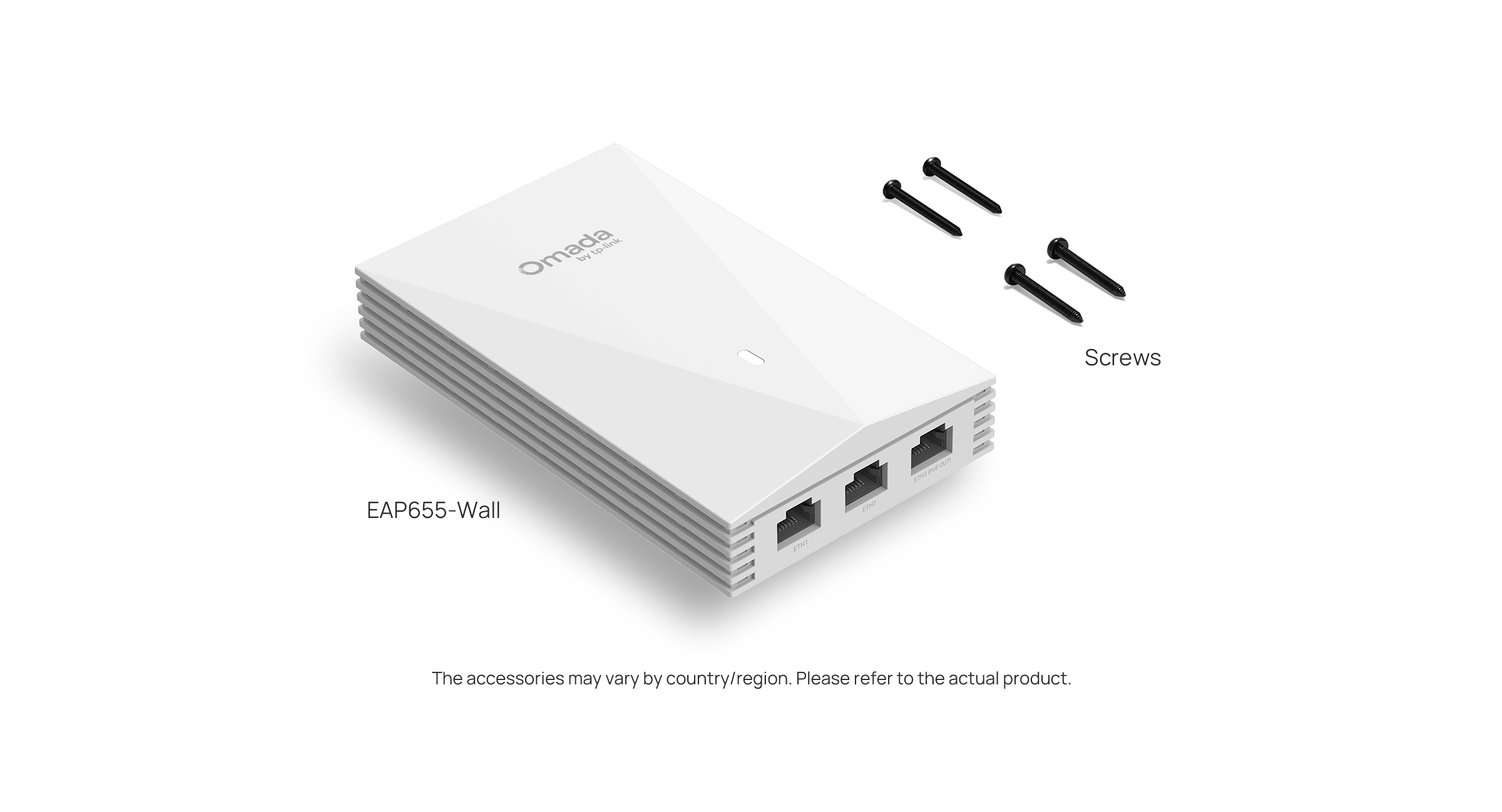
| 구성품 | • AX3000 Wall Plate WiFi 6 Access Point EAP655-Wall• Installation Guide• Mounting Kits |
| 운영 체제 | Microsoft Windows XP, Vista, Windows 7, Windows 8, Windows10, Windows 11, Linux |
| 사용 환경 | • Operating Temperature: 0–40 ℃ (32–104 ℉)• Storage Temperature: -40–70 ℃ (-40–158 ℉)• Operating Humidity: 10–90% RH non-condensing• Storage Humidity: 5–90% RH non-condensing |
†Maximum wireless signal rates are the physical rates derived from IEEE Standard 802.11 specifications. Actual wireless data throughput, wireless coverage, and connected devices are not guaranteed and will vary as a result of internet service provider factors, network conditions, client limitations, and environmental factors, including building materials, obstacles, volume and density of traffic, and client location.
‡Use of Wi-Fi 6 (802.11ax), and features including 160 MHz Bandwidth, OFDMA, MU-MIMO, and 1024-QAM requires clients to also support the corresponding features. The 160 MHz bandwidth is only available on 5 GHz band and may be unavailable in some regions/countries due to regulatory restrictions.
*Coverage value is calculated based on laboratory testing. Actual coverage is not guaranteed and will vary as a result of client limitations and environmental factors.
**The actual capacity depends on the wireless environment and client traffic and is generally less than the maximum number of client connections.
△These features require the use of an Omada controller. Please refer to the User Guides of Omada controllers for configuration methods.